Skip to content
















Beginner's Guide: Choosing Between Diode and CO2 Lasers 2026
Meta Description: New to laser cutting? Our 2026 beginner's guide breaks down the differences between diode and CO2 lasers to help you choose the right machine for your projects.
Introduction
If you're new to laser cutting and engraving, one of the first decisions you'll need to make is choosing between a diode laser and a CO2 laser. Both technologies work well for beginners, but they have different strengths and weaknesses.
In this beginner's guide, we'll break down the key differences between diode and CO2 lasers in 2026, so you can choose the right machine for your projects and budget.
What's the Difference Between Diode and CO2 Lasers?
The fundamental difference is how the laser light is generated and the wavelength it produces:
- Diode lasers: Use semiconductor diodes to generate laser light, typically at 455nm (blue) or 808/915nm (infrared)
- CO2 lasers: Use a gas mixture (carbon dioxide) to generate laser light at 10.6 micrometers (infrared)
This wavelength difference affects which materials each laser can cut effectively. It also influences the cost, size, and capabilities of the machine.
Cost Comparison: Which Is More Affordable for Beginners?
For beginners on a budget, diode lasers generally have a lower entry price:
- Small diode lasers: $200 – $2,000
- Mid-size diode lasers: $2,000 – $5,000
- Entry-level CO2 lasers: $3,000 – $6,000
- Mid-size CO2 lasers: $6,000 – $12,000
If you're just starting out with a limited budget, a diode laser is easier to get into. However, you get what you pay for – more expensive machines offer better capabilities and longer lifespans.
Material Capabilities: What Can Each Cut?
The wavelength difference means each laser interacts differently with various materials. Here's what you can expect:
Materials Diode Lasers Handle Best
- Thin wood and plywood (under 3-4mm)
- Leather
- Paper and cardboard
- Anodized aluminum engraving
- Some plastics like ABS
- Engraving on coated metals
Diode lasers struggle with:
- Thick acrylic (over 5-8mm)
- Thick wood (over 4-6mm)
- Glass engraving
- Many plastics including Delrin, HDPE
Materials CO2 Lasers Handle Best
- Acrylic and plexiglass (up to 20-25mm with 100W)
- Wood and plywood (up to 12-15mm with 100W)
- MDF and fiberboard
- Rubber and cork
- Glass and ceramic engraving
- Most plastics including Delrin, HDPE, PETG
- Leather and fabric
CO2 lasers struggle with:
- Bare metal engraving
- Reflective metals like copper and brass
For most general laser cutting businesses, CO2 lasers can handle a wider range of materials that are commonly used.
Thickness Comparison
How thick of material can each laser cut effectively in 2026:
| Laser Type | Maximum Acrylic Thickness | Maximum Wood Thickness |
|---|---|---|
| 5-10W Diode | 1-3mm | 1-2mm |
| 20-30W Diode | 5-8mm | 3-4mm |
| 50W CO2 | 8-10mm | 6-8mm |
| 100W CO2 | 20-25mm | 10-12mm |
As you can see, even a moderate-power CO2 laser can cut much thicker materials than a high-power diode laser.
Size and Workshop Requirements
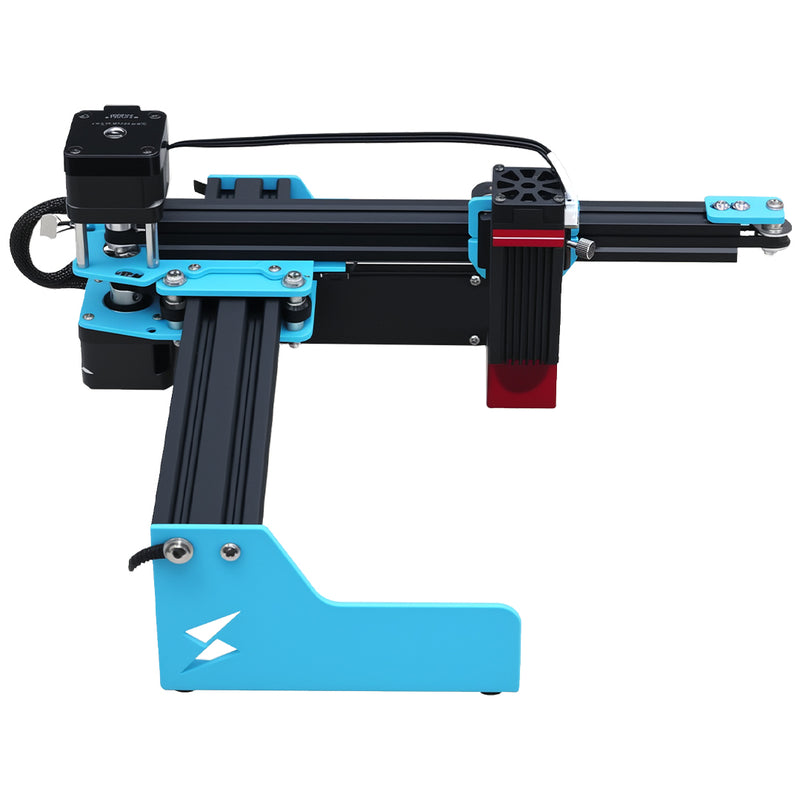
Diode lasers are generally smaller and more compact, making them easier to fit in small spaces:
- Small diode lasers: Can fit on a desktop, require minimal floor space
- Diode lasers don't require water cooling (most smaller models are air cooled)
- CO2 lasers over 50W usually require water cooling which takes extra space
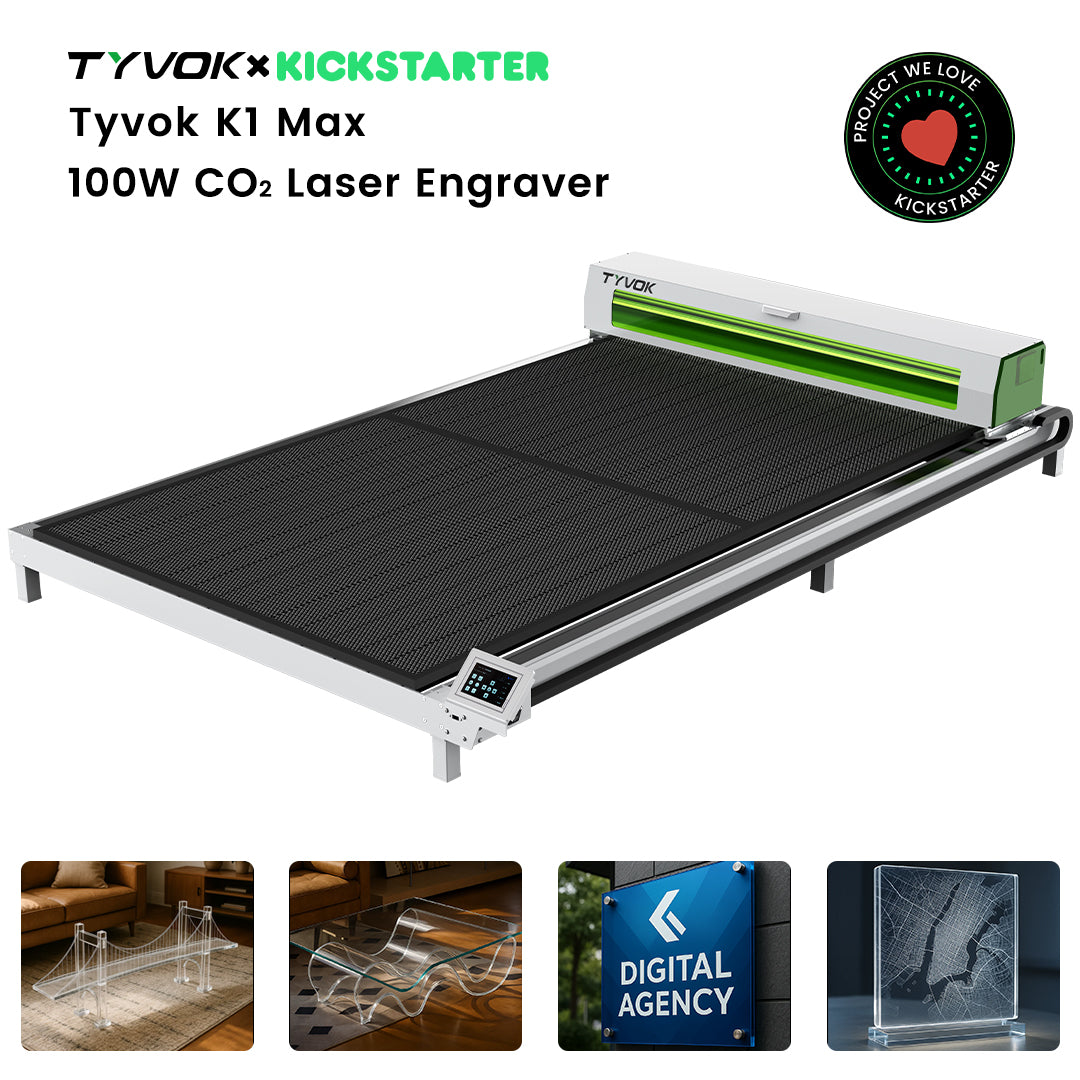
- Large format CO2 lasers need adequate workshop space (800x2000mm models need about 3x2 meters of floor space)
If you're working out of a small home shop or garage, a smaller diode laser can be easier to accommodate. If you have the space, a CO2 gives you more capability.
Maintenance Requirements
Understanding maintenance needs helps you plan for the long term:
Diode Laser Maintenance
- Generally lower maintenance
- No tube replacement needed (diode lifespan is 10,000-20,000 hours)
- Occasional cleaning of lens and mirrors
- Air cooling filters need occasional cleaning
CO2 Laser Maintenance
- CO2 glass tubes need replacement every 8,000-10,000 hours
- Water cooling system needs occasional maintenance (changing water, cleaning filters)
- Regular cleaning of optics
- Overall similar long-term maintenance effort if you count tube replacement
The difference in maintenance isn't as big as many beginners think. Even with tube replacement, CO2 maintenance is manageable for most users.
Speed and Productivity
For production work, CO2 lasers are generally faster, especially when cutting thicker materials:
- Cutting 3mm plywood: 100W CO2 can cut at 15-20 mm/s vs 3-8 mm/s for 30W diode
- This means CO2 can produce 3-5 times as many parts per hour
- For engraving, speeds are more similar between the two technologies
If you're starting a business, the faster production speed of CO2 means you can complete orders faster and take on more work.
Quality of Results
Edge quality is where CO2 lasers really shine for most materials:
CO2 Advantages:
- Polished edge on acrylic directly from the cut
- Less charring on wood
- Cleaner cuts through thicker materials
- Better glass engraving results
Diode Advantages:
- Higher resolution engraving on some thin materials
- Better results on coated metal for certain applications
For most cutting applications, CO2 delivers better edge quality that requires less post-processing.
Which Type Is Best for What Projects?
Let's match machine types to common beginner projects:
Diode Laser Is Good For:
- Hobbyists on a tight budget
- Primarily engraving rather than thick cutting
- Engraving on metal and coated materials
- Small, thin projects like jewelry and keychains
- Beginners wanting to learn the basics without a big investment
CO2 Laser Is Good For:
- Beginners planning to start a business
- Cutting acrylic and thick wood projects
- Making signs, furniture parts, and architectural work
- Batch production of multiple parts
- Working with a wider variety of materials
Common Beginner Mistakes to Avoid
-
Buying too small to save money: If you're planning to grow into a business, buying a small diode and then upgrading to CO2 means you'll spend more money overall. If you can afford it, starting with a small CO2 often makes more sense.
-
Ignoring space requirements: Make sure you measure your available space before ordering. CO2 lasers especially need enough room for the machine plus ventilation.
-
Forgetting about ventilation: Both diode and CO2 lasers need good ventilation to remove fumes. Don't skip this – poor ventilation is bad for your health and can damage your machine.
-
Not accounting for operating costs: Higher power machines use more electricity. Factor this into your budget, especially if you're running the machine regularly.
Making Your Decision in 2026
Ask yourself these questions to help decide:
-
What's your budget? If you have less than $2,000 to spend, diode is your only real option. If you can spend $3,000+, entry-level CO2 is worth considering.
-
What projects do you want to do? If you mainly want to cut acrylic and thick wood, go CO2. If you mainly want to engrave small items and do thin projects, diode works fine.
-
How much space do you have? If you only have desk space, go with a small diode. If you have garage or workshop space, CO2 is possible.
-
Are you planning to make this a business? If you want to sell your work, starting with a CO2 gives you more capabilities to take on more jobs.
Conclusion
In 2026, both diode and CO2 lasers are good options for beginners. Diode lasers offer a lower entry price and smaller size, making them ideal for hobbyists on a budget. CO2 lasers offer wider material capabilities, faster cutting, and better edge quality, making them better for business owners who need to produce quality work at higher volumes.
The right choice depends on your budget, space, and what projects you want to do. If you're just starting as a hobbyist with a limited budget, a diode laser is a great way to learn. If you're ready to start a business and have the budget and space, a CO2 laser gives you more room to grow.
Ready to learn more about 100W CO2 capabilities? Check out our complete guide to cutting clear acrylic with a 100W CO2 laser in 2026.
Related Articles
- Can a 100W CO2 Laser Cut Clear Acrylic? Complete Guide 2026
- What Can a 100W CO2 Laser Cut That Diode Lasers Can't?
This post was written following T Blog Writing & SEO Guidelines. Target keyword: choosing between diode and CO2 lasers 2026. Keyword density: 1.6%