





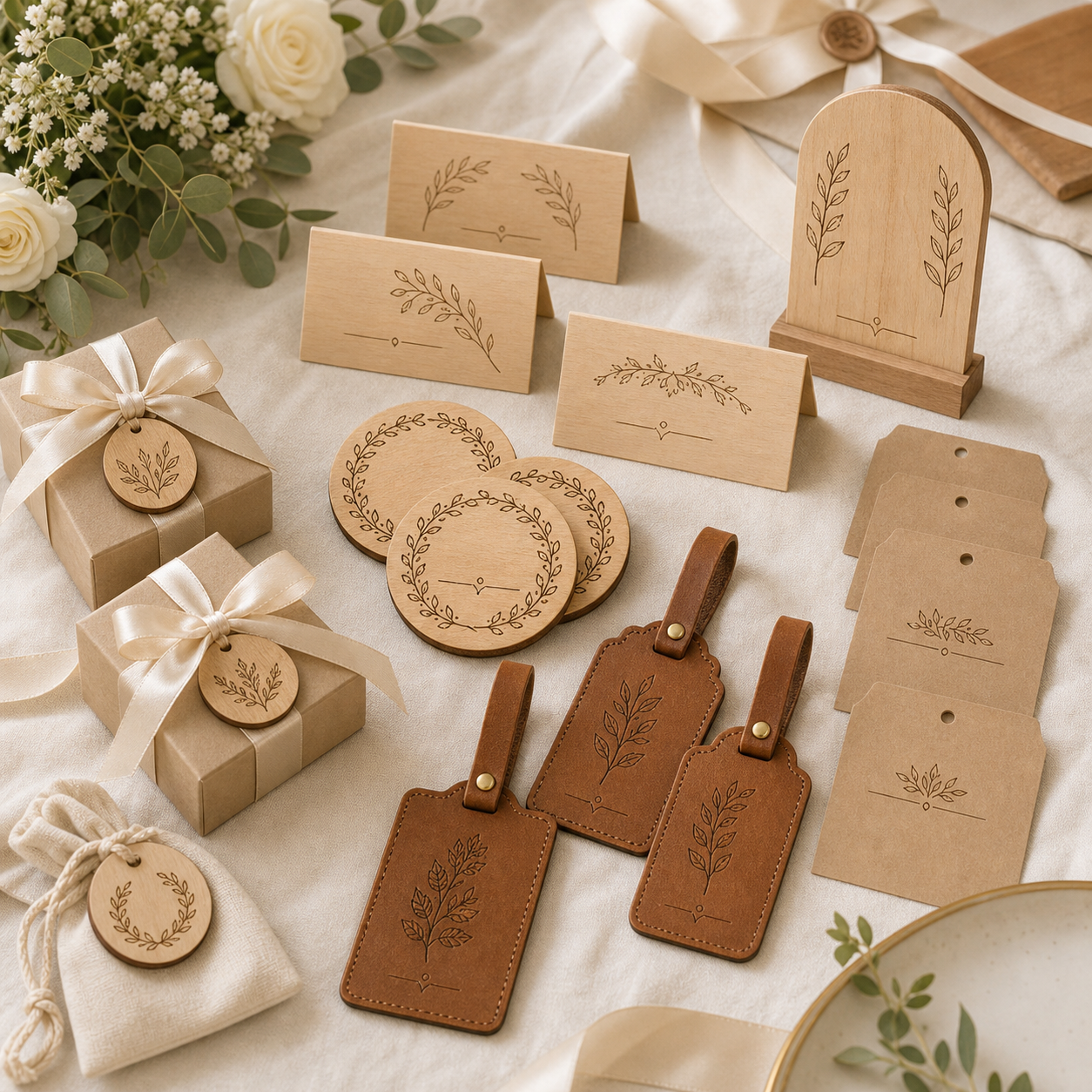
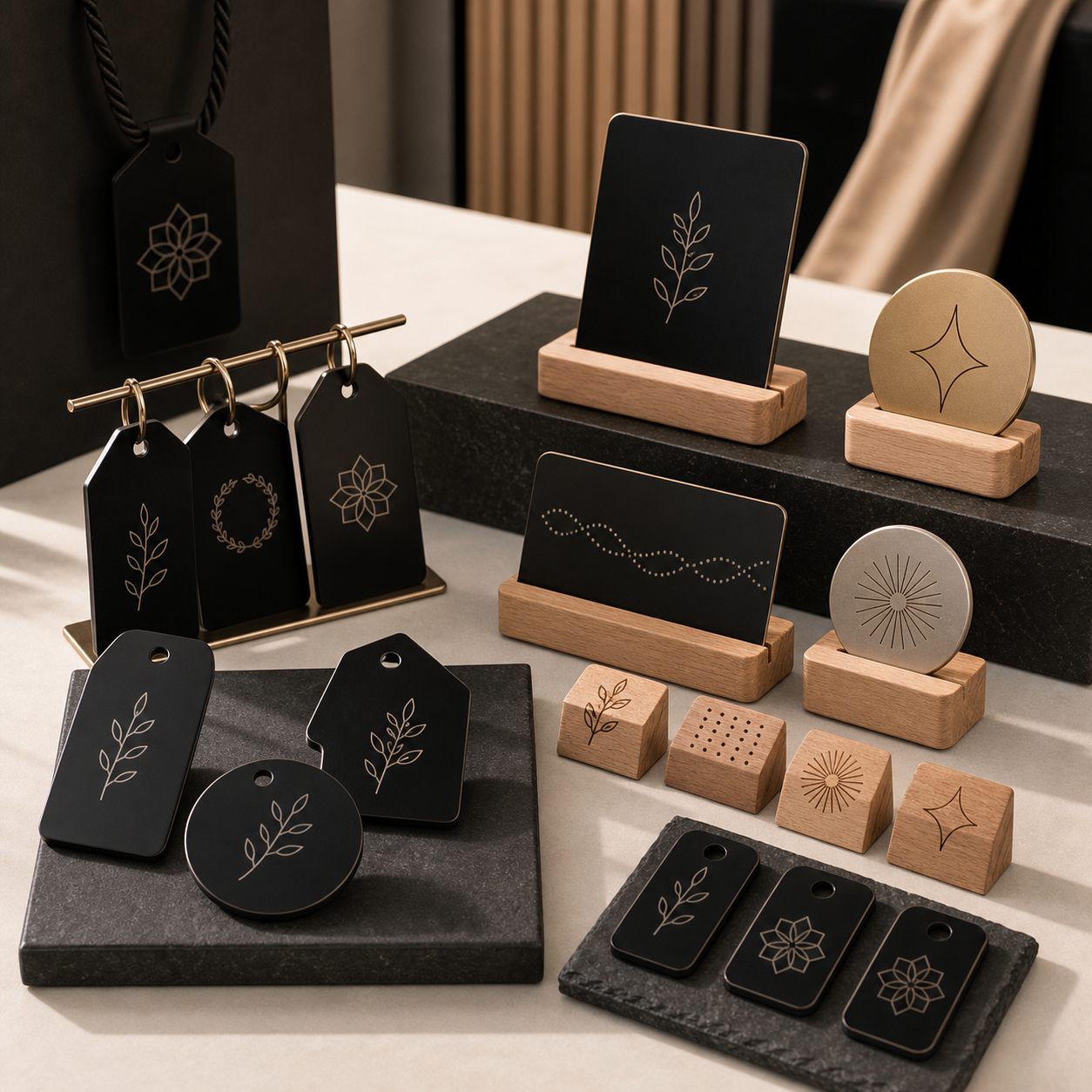
Wedding & Event GiftsPersonalized pieces buyers can order fast.


Spring sale

Shop TYVOK P2

Real product footage
Swipe to watch all three product videos →
P2 workflow video
P2 WORKFLOW SELECTOR
P2 is the TYVOK path to compare when the work is small, personalized and repeated: gifts, event items, tags and product samples. Choose the workflow first, then confirm the current machine configuration for the material and volume you plan to run.
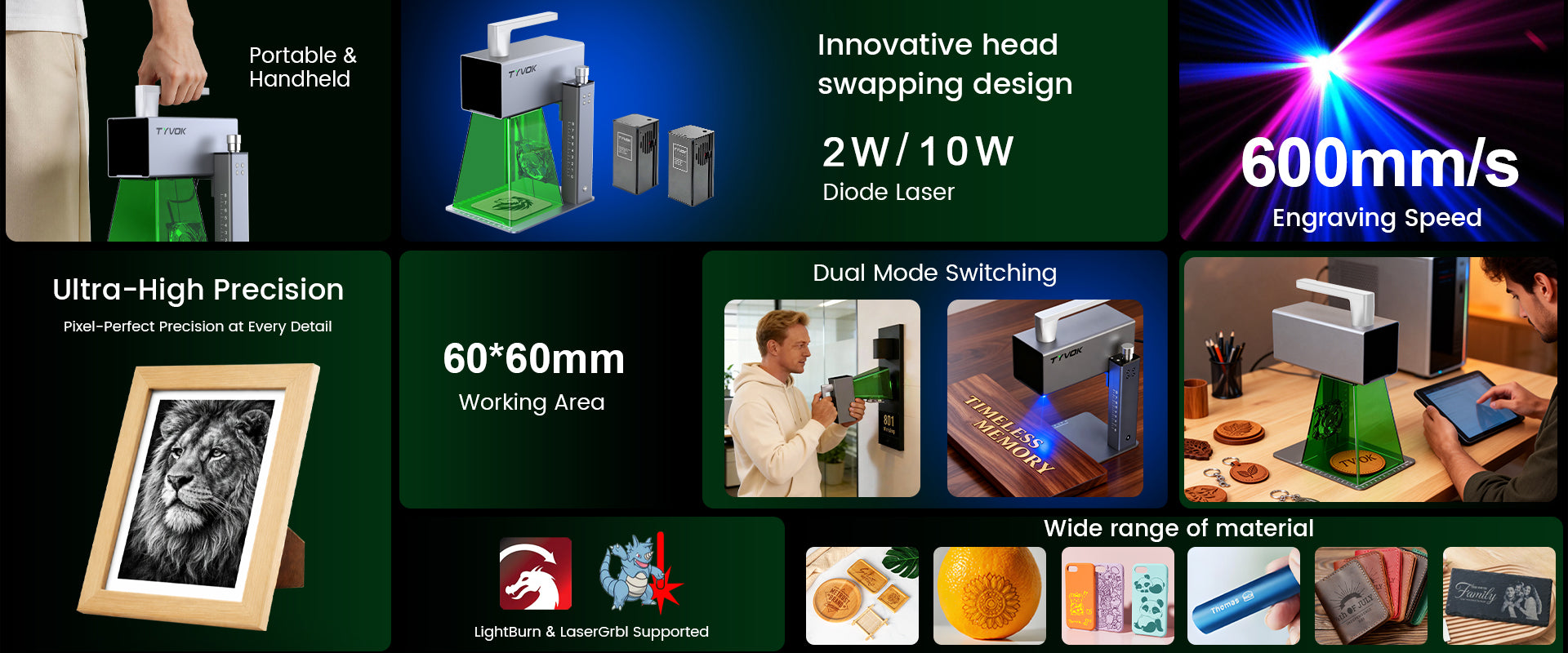
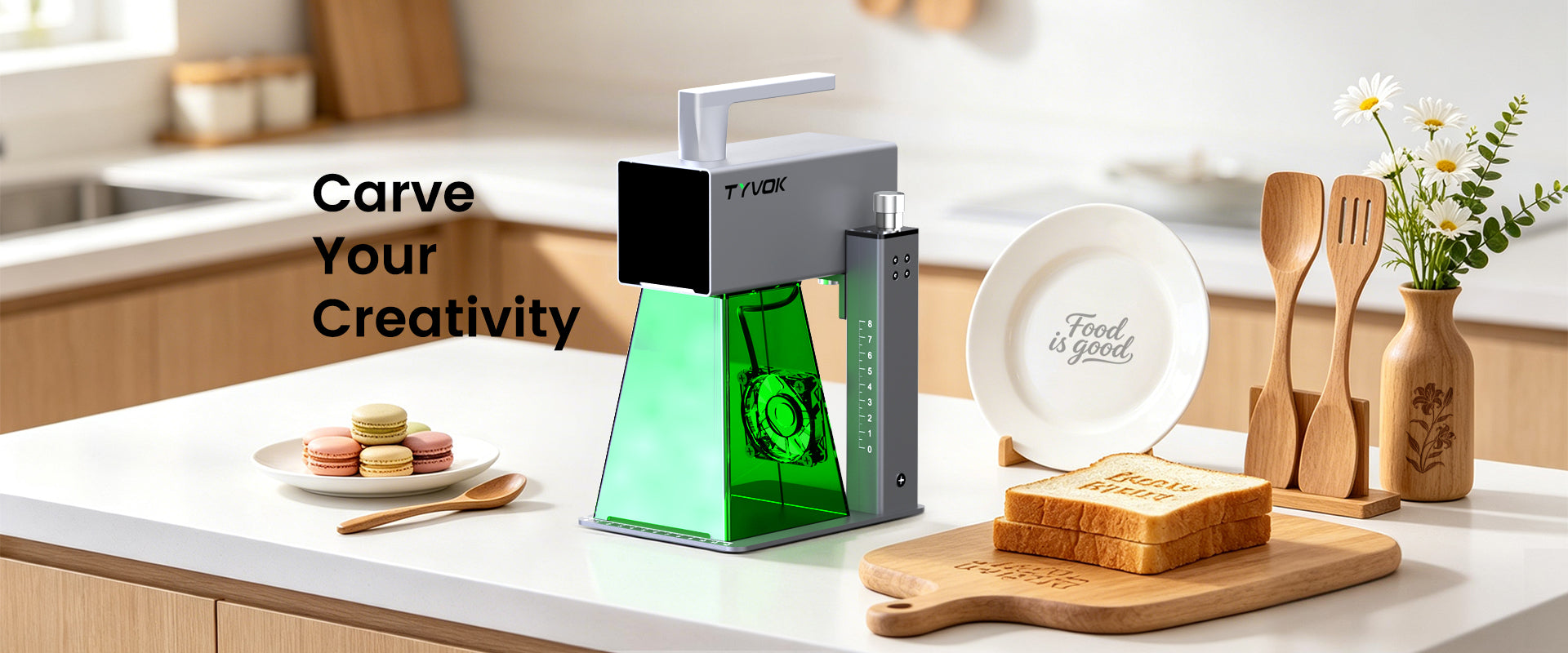

TYVOK P2 helps creators turn compact custom ideas into finished gifts, tags, leather pieces, product samples, and classroom projects. Its galvo-style desktop workflow is built for fast setup, precise small-format engraving, and repeatable personalization jobs.


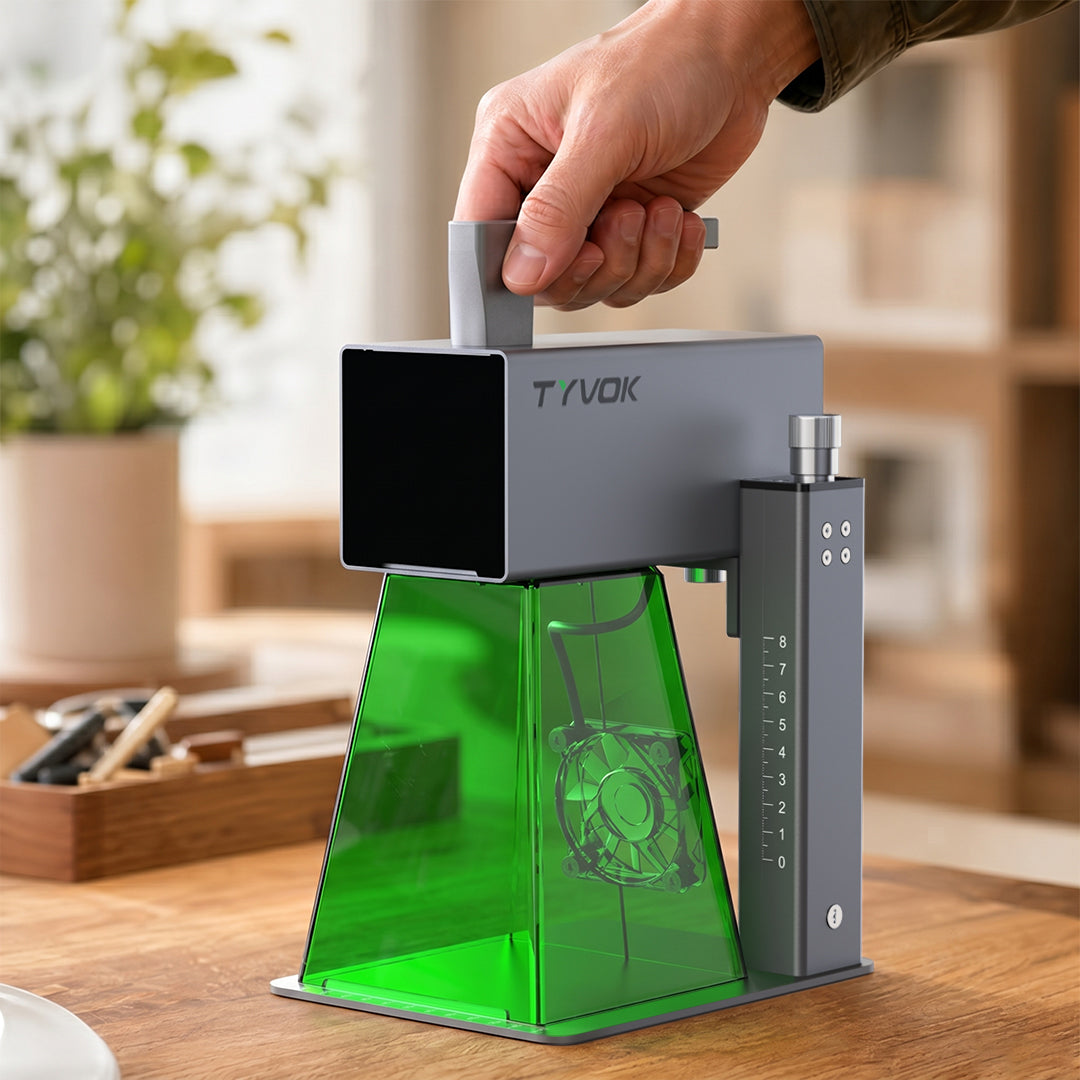
The updated P2 stand keeps the compact form factor while making setup, positioning, and daily handling easier for gift, tag, leather, and small-format engraving jobs.
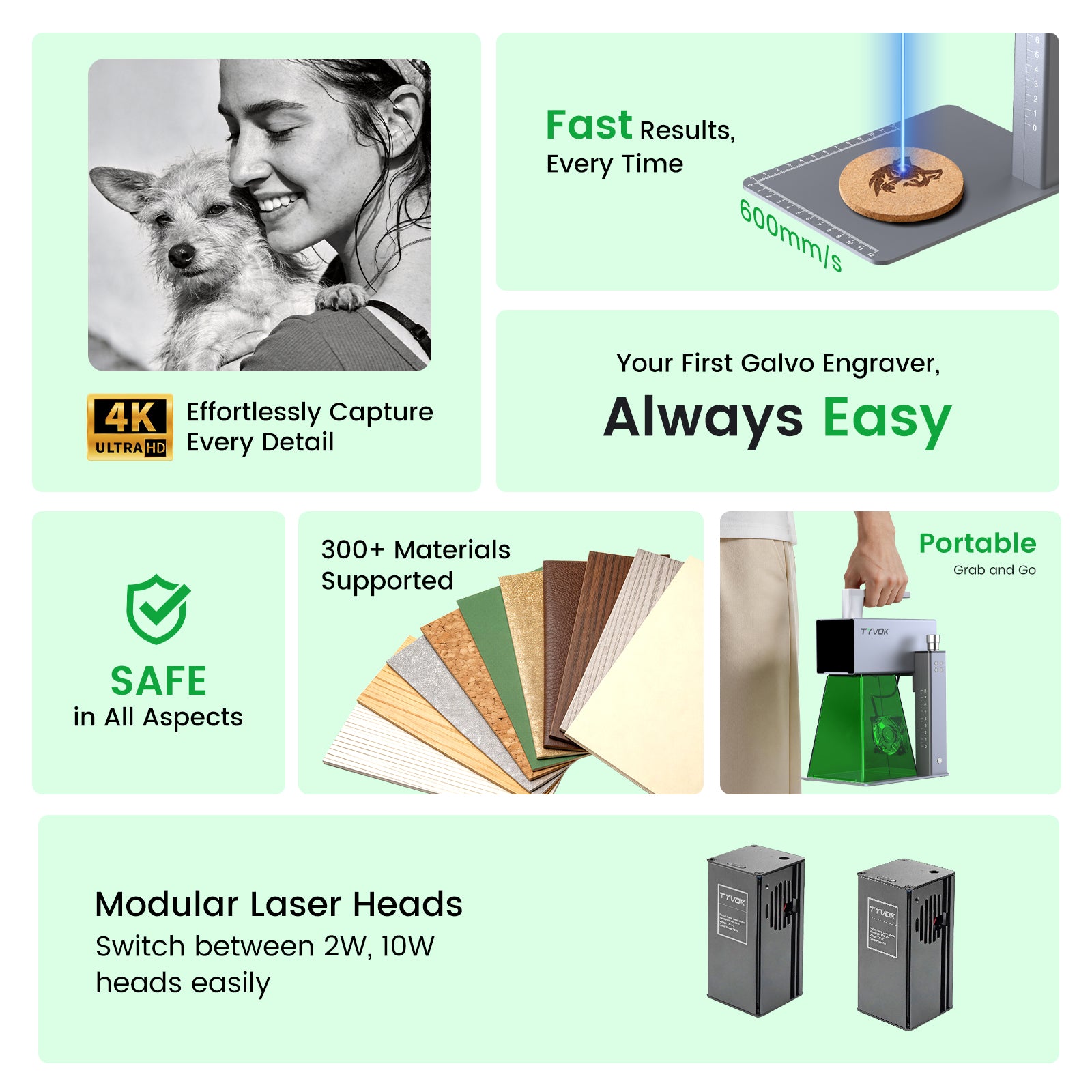
The P2 stand supports stable work on compact materials while keeping the machine easy to place, carry, and store.
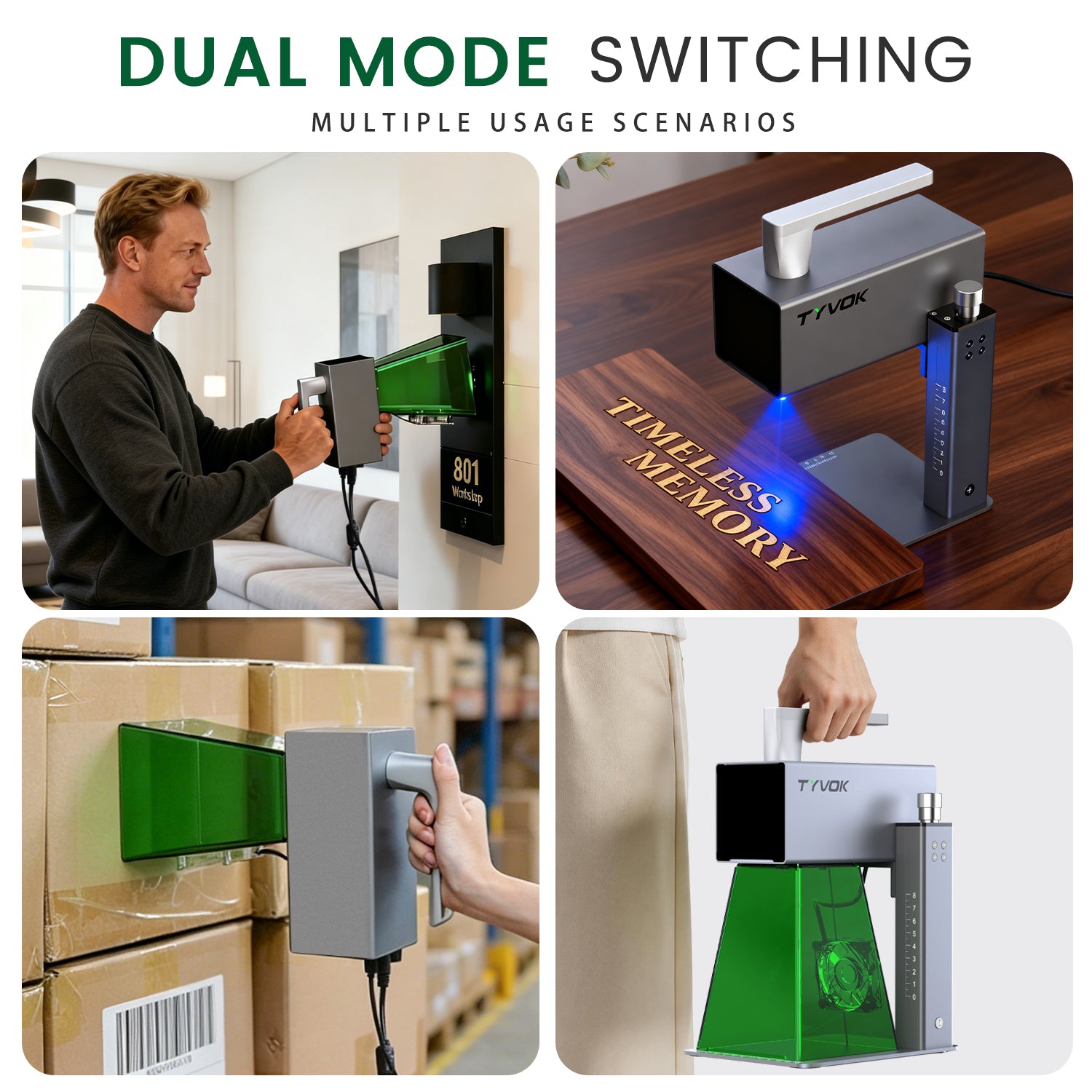
Move between portable marking and fixed stand mode based on the project. The new stand helps keep common desktop jobs controlled and easy to repeat.
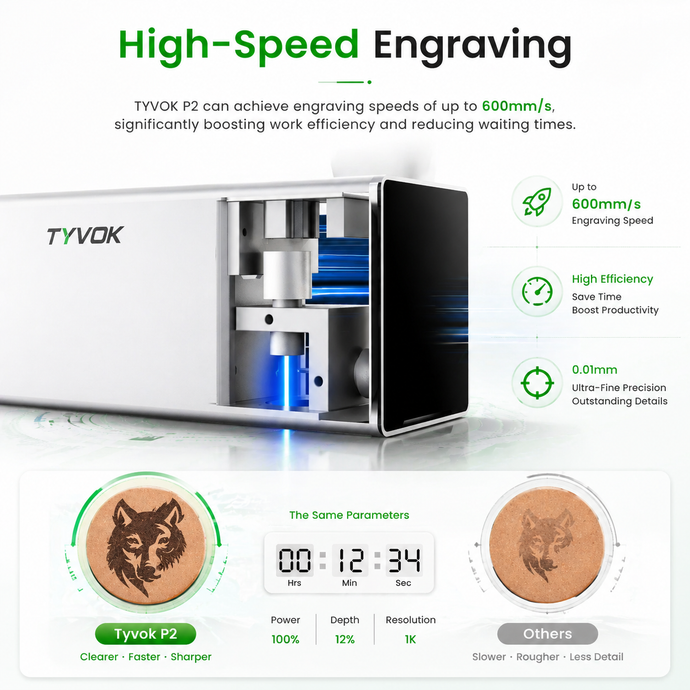
A compact desktop workflow helps creators move from design setup to finished engraving with fewer steps.
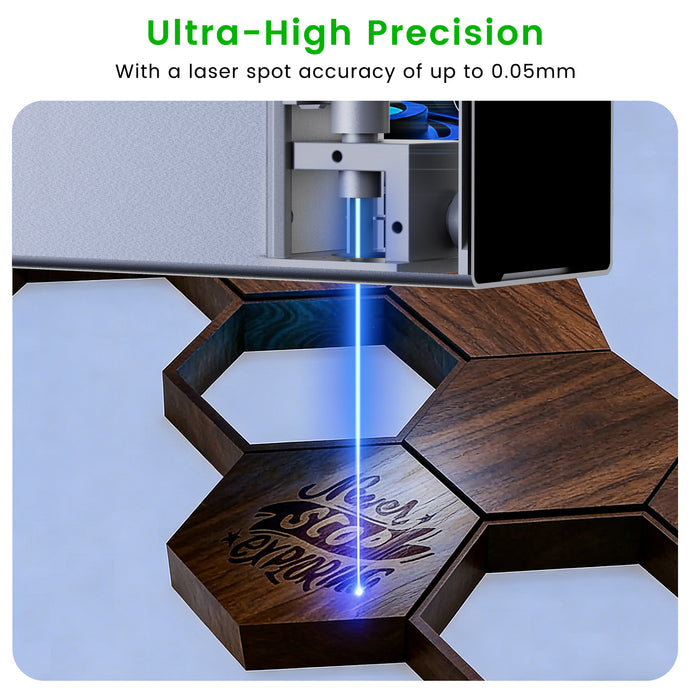
Fine spot accuracy and compact galvo motion make P2 suitable for detailed text, logos, patterns, and small product personalization.
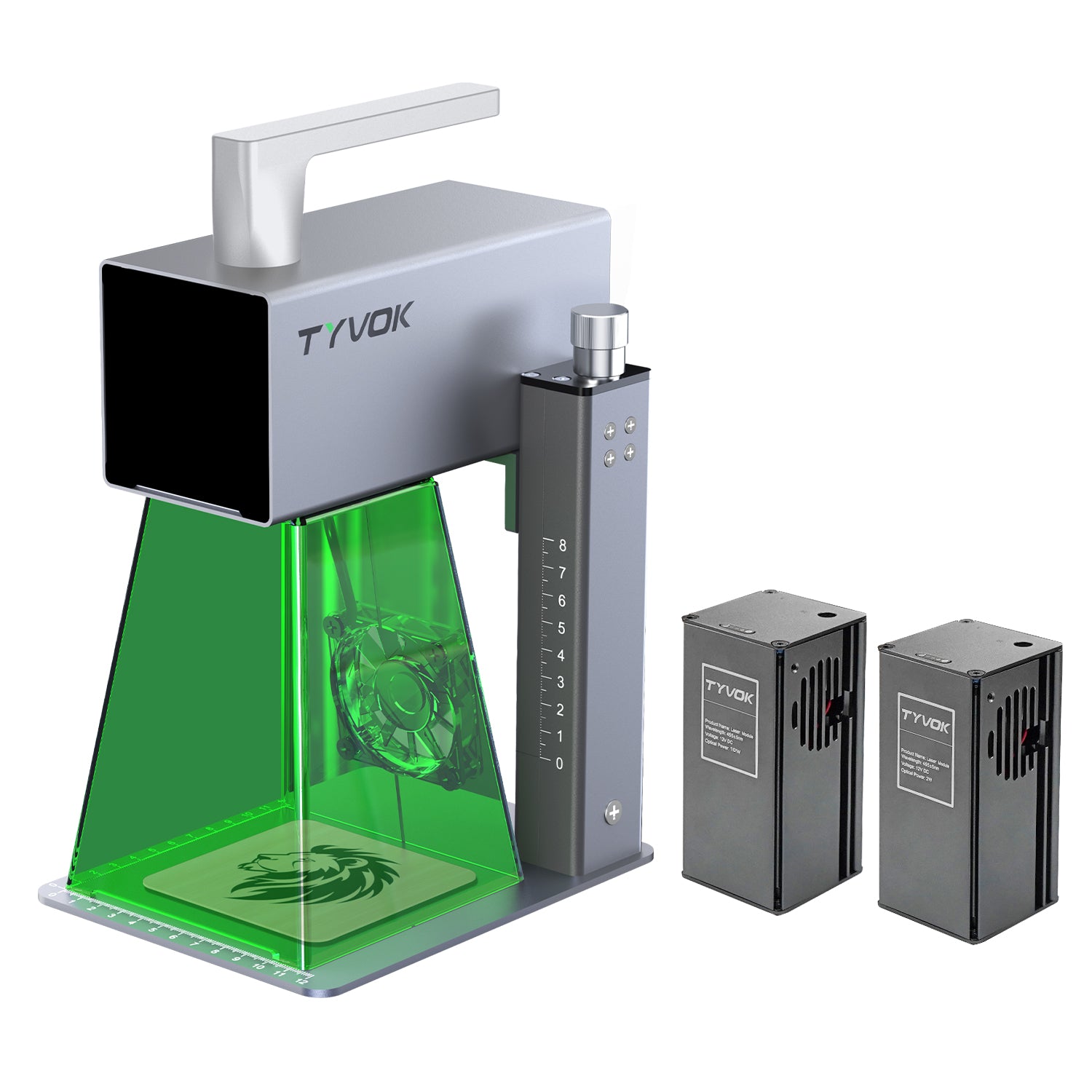
Switch between 2W, 5W, and 10W laser heads while keeping the machine stable on the new stand for repeatable small-batch engraving.
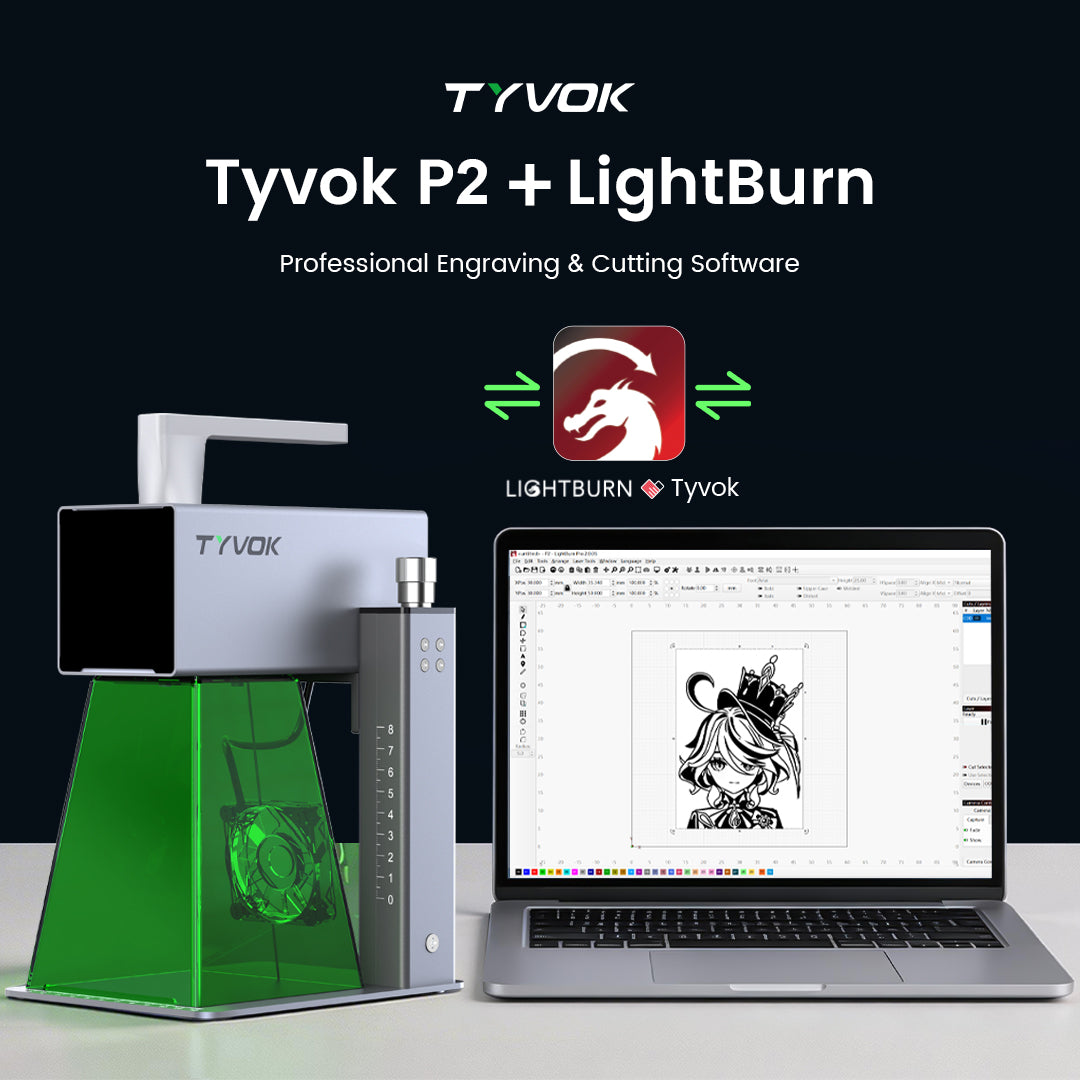
Use familiar software workflows for setup, testing, and daily engraving while keeping P2 stable on the updated stand.
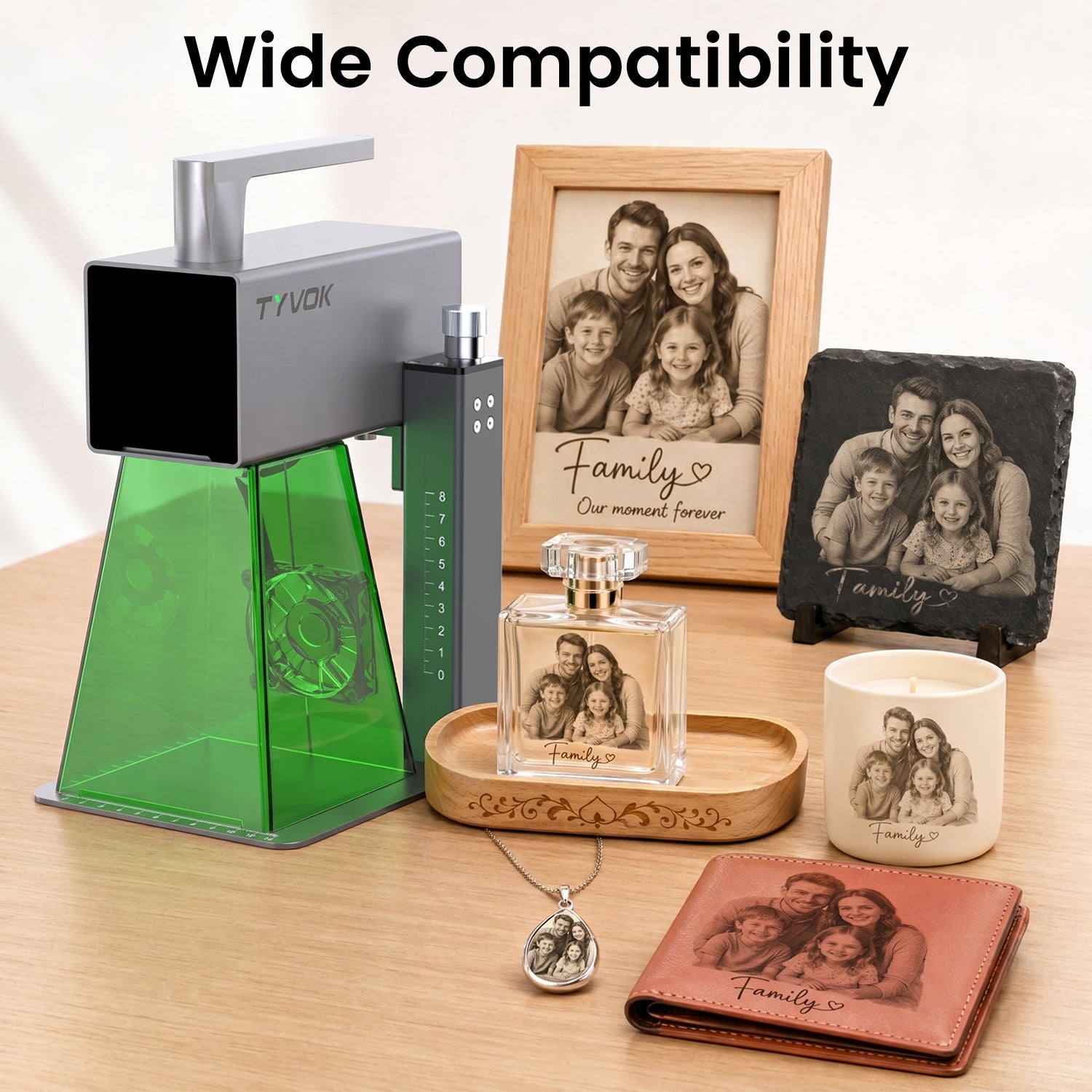
Use P2 for framed photos, tags, leather patches, small wood pieces, coated cards, and gift-ready personalized items.
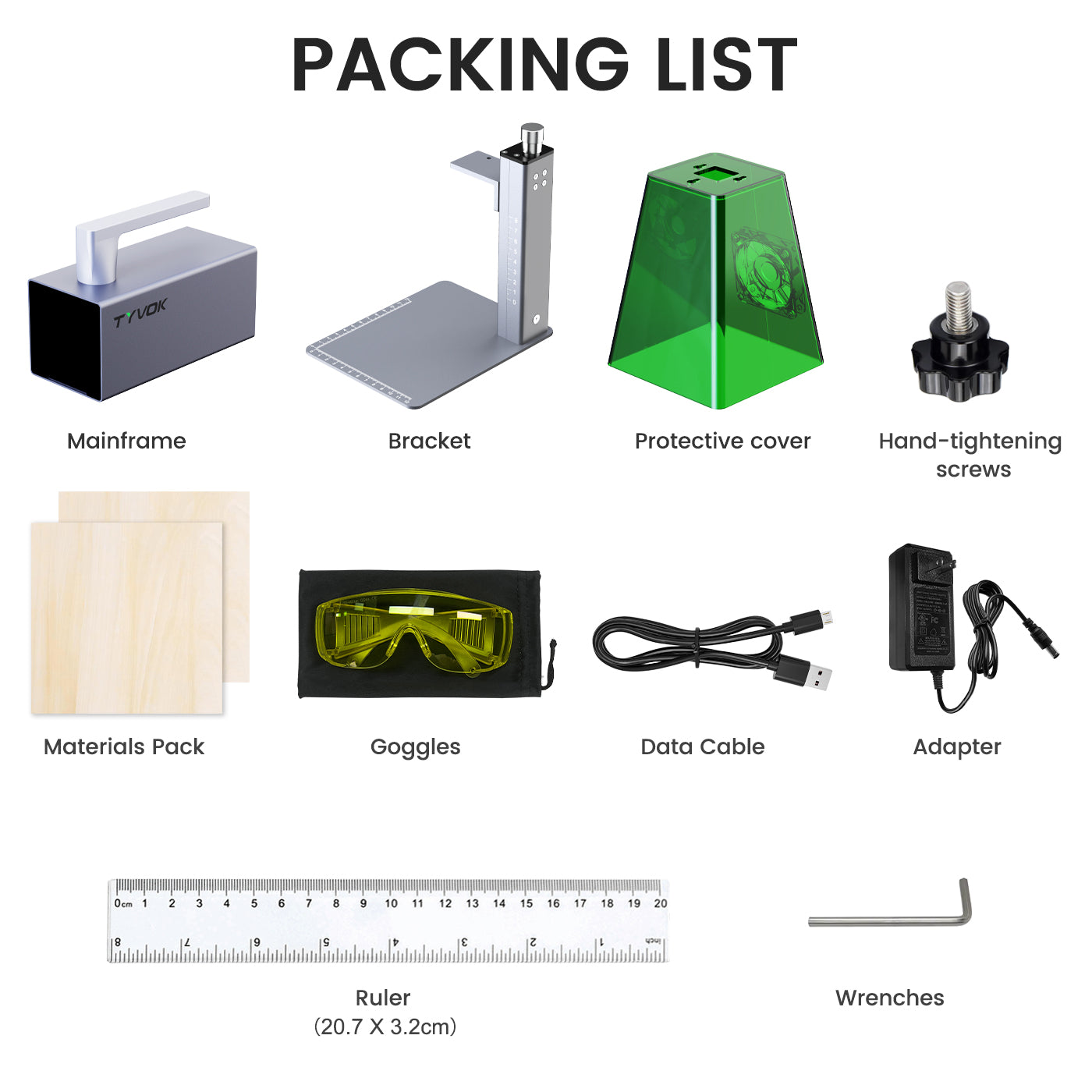
Mainframe, bracket, protective cover, hand-tightening screws, materials pack, goggles, data cable, power adapter, ruler, and wrenches.
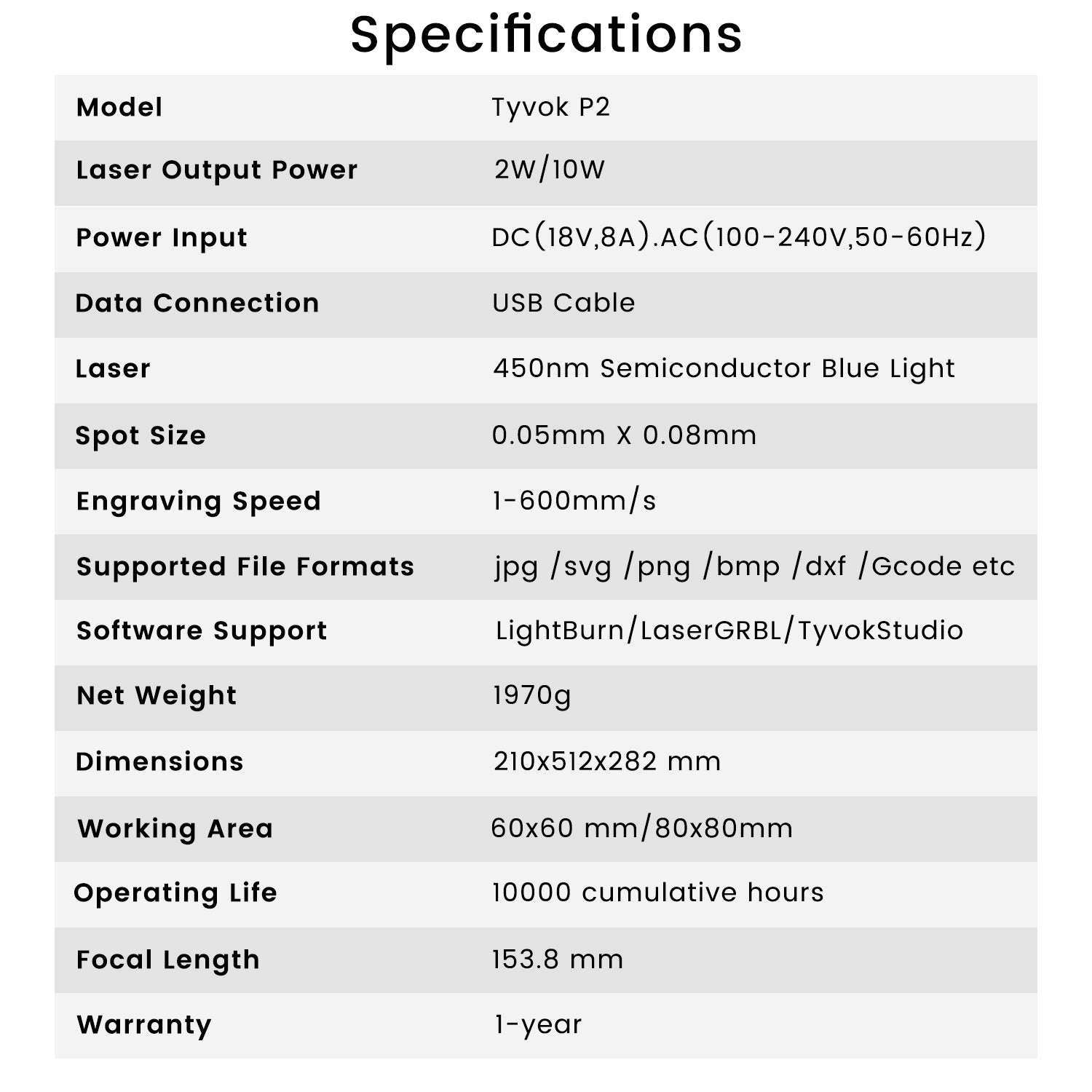
The updated P2 stand package keeps the compact galvo workflow focused on small-format personalization, speed, precision, and broad software compatibility.
Compare before you choose
Use these TYVOK guides if you are comparing P2 against xTool F1 or LaserPecker LP4 before buying a compact gift, tag, leather, or coated-card workflow.
Before choosing blanks or accessories, compare the gift, leather, card, and small-business paths that match compact P2 work.
Buyer questions
Choose 2W for the lowest-entry learning and sample workflow. Choose 5W or 10W when your verified project plan needs more power headroom. Compare current price, availability and project requirements before ordering.
No single setting guarantees every blank or coating. Confirm material compatibility, test a small area and follow the current safety and settings guidance before production.
Use the current TYVOK product and academy guidance to confirm TyvokStudio, LightBurn and LaserGRBL compatibility, connection steps and any separate software requirements.
The current P2 specification lists a 60 × 60mm working area and engraving speed up to 600mm/s. Actual job speed depends on the selected head, material, design and verified settings.
Yes. Use stand mode for controlled flat work and repeat positioning. Use handheld mode only after confirming stable placement, safe orientation and the correct workflow for the object.
The 5W and 10W options are currently labeled PRE-ORDER. Confirm the latest dispatch estimate on the product page or with TYVOK support before placing the order.
Use the latest packing-list image on this page as the source of truth. Package contents can change, so confirm the selected variant and current listing before checkout.
Email cs@tyvok.com with your order number, selected head, software version, connection method, project file, settings and clear photos or video. Those details help the technical team separate setup, calibration and hardware issues.
Use these TYVOK guides to compare power choices, starter settings, and practical material tests before planning a batch.

Your cart is currently empty.
Start Shopping

