
















As a laser machine brand trusted by thousands of woodworkers, Etsy sellers, and DIY creators, one of the most common questions we get at Tyvok is:
"What software should I use for laser engraving and cutting?"
While there's no one-size-fits-all answer, the best software often depends on your workflow, laser power, operating system, and—most importantly—your creative goals. In this guide, we've curated the 7 best software options for laser engraving and cutting, combining free and paid tools. Our focus? Helping you find the perfect match for real business growth, creative satisfaction, and long-term value.
Software is only half of the workflow
Choose the machine that fits the jobs behind the files.
After you choose software or a controller workflow, the next buying decision is physical: work area, material, positioning, and repeatability.
| Project path | Best TYVOK fit | Why it fits |
|---|---|---|
| Small products | TYVOK P2 | Compact personalization: tags, leather goods, packaging samples, small wood gifts, and product tests. |
| Large-format work | TYVOK X1S / X1S Pro | Large-format layouts: signs, wall art, long boards, furniture panels, and batches that are easier with fewer repositions. |
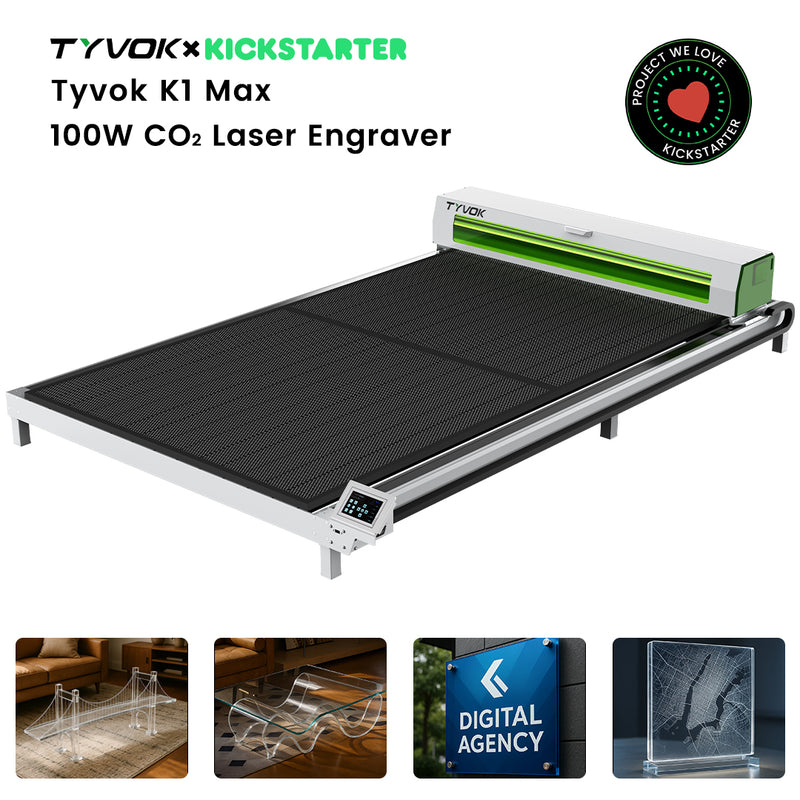
| CO2 cutting path | TYVOK K1 | CO2 material work: acrylic and thicker cutting workflows where a CO2 path is the better fit. |
Vector vs. Raster: What’s the Difference?
Understanding these two formats is crucial before picking your software:
-
Vector files (e.g., SVG, DXF, AI, PDF) are made of scalable paths. Best for cutting clean shapes and engraving thin lines.
-
Raster files (e.g., JPEG, PNG, GIF) are made of pixels. Ideal for engraving images, textures, and filled designs.
Need material settings or troubleshooting help?
If you are choosing GRBL, LightBurn, or another laser workflow, the next question is usually material settings and troubleshooting.
- LightBurn setup
- GRBL workflow
- camera or preview workflow
- choosing software by material
Use LaserWiki as a planning aid, then verify with your material supplier or SDS, machine manual, ventilation setup, eye protection, and a small test grid before running customer work.
Ask TYVOK LaserWiki for material, settings, and workflow answers
If you’re a woodworker or an Etsy seller creating branded products, vector files are your go-to. If you’re engraving portraits, logos, or shaded artwork, you’ll rely on high-resolution raster files.
File Formats You’ll Use Often
| Format | Best For | Tyvok Tip |
|---|---|---|
| SVG | Versatile designs | Compatible with LightBurn & Inkscape |
| DXF | Precision & CAD-based work | Perfect for woodworking joinery |
| Sharing & exporting | Use vector-based PDFs for clean cuts | |
| JPG/PNG | Raster engraving | Great for logos & product photos |
Top 7 Laser Software for Tyvok Creators
1. LightBurn (Paid – Free Trial)
This is our top recommendation, and what most Tyvok users end up sticking with.
Why our users love it:
-
Easy to learn, but powerful enough for pros
-
Works with most diode and CO2 machines (including Tyvok machines)
-
Combines vector editing, layout, and laser control in one place
-
Works on Windows, macOS, and Linux
Best for:
-
Woodworkers who need precise cutting and engraving
-
Etsy sellers looking to streamline production and batch jobs
-
DIYers who want a plug-and-play creative tool
Tyvok Tip: Many customers use LightBurn to create tutorials and process videos, which are great for boosting your store’s visibility!
2. Inkscape (Free)
A powerful, open-source vector design software.
Why our users love it:
-
Completely free with no hidden fees
-
Works well on older or budget computers
-
Excellent for SVG and DXF creation
Best for:
-
Beginners starting on a budget
-
DIY hobbyists who like to tinker and explore open-source tools
Tyvok Tip: Pair it with LightBurn for final laser output. Design in Inkscape, cut with LightBurn.
3. Adobe Illustrator (Paid – Free Trial)
The industry leader for vector design.
Why our users love it:
-
Massive design capabilities
-
Works seamlessly with other Adobe tools (Photoshop, Premiere, etc.)
Best for:
-
Etsy store owners creating high-quality branded products
-
Those creating design assets to resell
Tyvok Tip: If you're building a brand, Adobe tools help you create premium content that looks professional on social media and your listings.
4. GIMP (Free)
A strong alternative to Photoshop for raster editing.
Why our users love it:
-
100% free
-
Great for prepping photos or textures for engraving
Best for:
-
Users creating engraved photo gifts or pet memorials
-
Anyone needing to clean up or adjust images before laser work
5. CorelDRAW (Paid – Free Trial)
A staple in the laser world.
Why our users love it:
-
Similar power to Illustrator, with tools laser operators love
-
Longtime compatibility with laser engravers
Best for:
-
Woodworkers with design experience
-
Workshops and studios running client jobs
6. PhotoGrav (Paid)
This one’s specifically for photo engraving.
Why our users love it:
-
Simulates engraving results on different materials
-
Converts raster images for laser-ready processing
Best for:
-
Gift shops or users specializing in personalized products
-
Etsy sellers doing photo slates, dog tags, or memorials
7. RDWorks (Included with many machines)
Basic but functional. Mostly used as a bridge to send designs to CO2 laser machines.
Best for:
-
Users of older Tyvok models or specific CO2 setups
Tyvok Tip: We recommend upgrading to LightBurn if your machine supports it—it’ll save time and expand creative possibilities.
Final Thoughts – Which Should You Choose?
If you’re just starting out:
-
Start with Inkscape + LightBurn Trial
If you’re focused on growing an Etsy business:
-
Invest in LightBurn or Adobe Illustrator, and build a consistent brand across your packaging and listings
If you’re a woodworker or DIYer:
-
LightBurn + occasional Photoshop or GIMP is a powerful combo
Our Strong Recommendation:
LightBurn is the best balance of price, power, and usability for 90% of Tyvok customers.
No matter which path you take, every software mentioned above gives you a way to unlock your creativity—and your earning potential.
At Tyvok, we’re not just here to sell you a machine. We’re here to help you turn tools into results.
💡 Tip: Looking for the best value galvo laser for metal marking? The Tyvok P2 2W Galvo Laser is our top pick for 2026 — currently 50% OFF at just $149!



