Skip to content





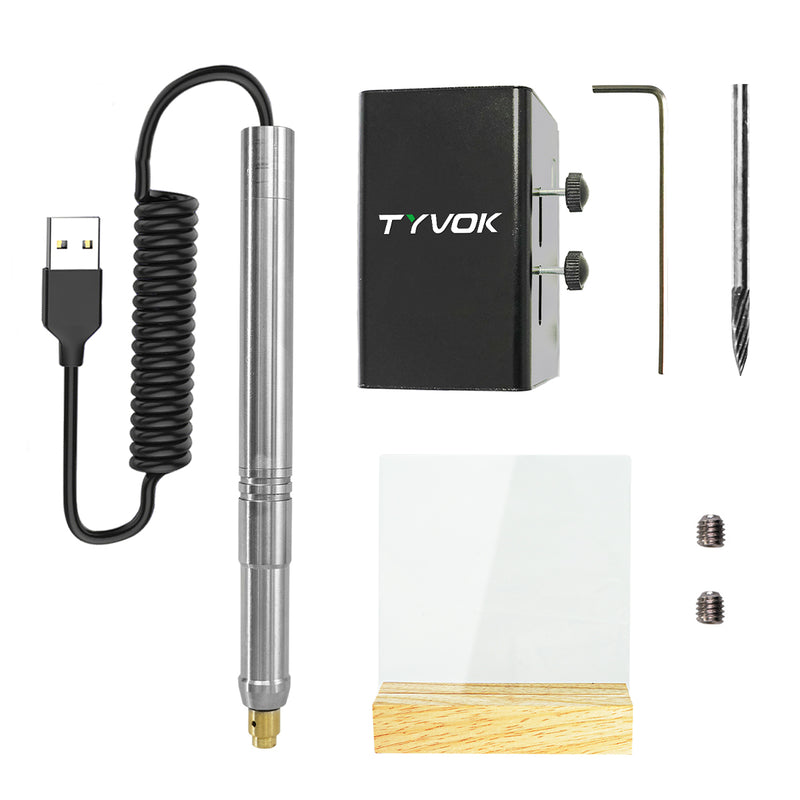





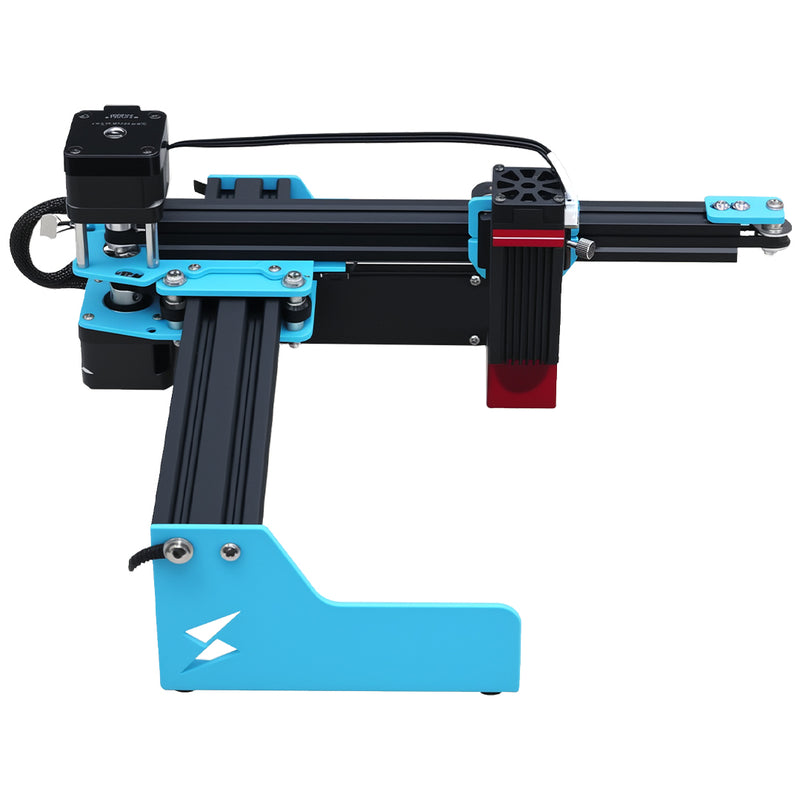

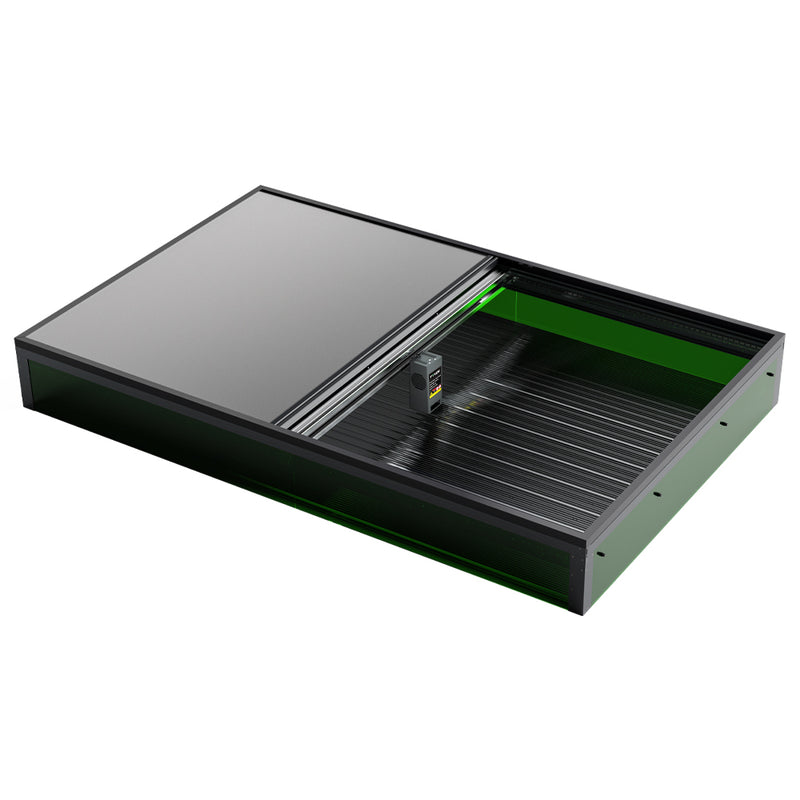





If you're new to laser engraving and trying to choose between a diode laser and a CO2 laser, you've come to the right place. This is one of the most common (and most important) decisions beginners face when buying their first laser machine. Both technologies have been around for a long time, but recent advances in diode lasers—like the ones found in affordable machines such as the Tyvok A1 Mini and Tyvok P2 10W Galvo—have changed the game for beginners.
🛒 Check out the Tyvok A1 Mini here
In this guide, we'll break down the key differences between diode and CO2 laser engravers, what each technology is best for, how they compare in price, size, speed, and capability, and help you decide which one is the right choice for you as a beginner in 2026.
🛒 Check out the Tyvok A1 Mini here
What Is a Diode Laser Engraver?
Diode lasers use semiconductor laser diodes to generate their laser beam, similar to the lasers found in DVD players (just much more powerful). They've been around for a long time, but in recent years, diode technology has improved dramatically, with higher power options becoming available at increasingly affordable prices.
🛒 Check out the Tyvok Spider X1S Pro here
Today, you can get a quality 10W diode laser engraver like the Tyvok A1 Mini 10W for well under $300, which is incredibly accessible for beginners. Even 10W galvo lasers like the Tyvok P2 10W Galvo are now available at a price point that would have been unthinkable just a few years ago.
🛒 Check out the Tyvok A1 Mini here
Key Characteristics of Diode Lasers:
- Lower cost, especially for entry-level machines
👉 Learn more about Why Tyvok A1 Mini is the Best Entry-Level Laser Engraver for Beginners here - More compact and lighter weight - Lower power consumption - Can be used with autofocus systems - Instant on/off (no warm-up time needed) - Focused spot size allows for very detailed engraving - Available in different power levels from 3.5W up to 20W+
👉 Learn more about How to Choose Laser Power for Different Materials here
What Is a CO2 Laser Engraver?
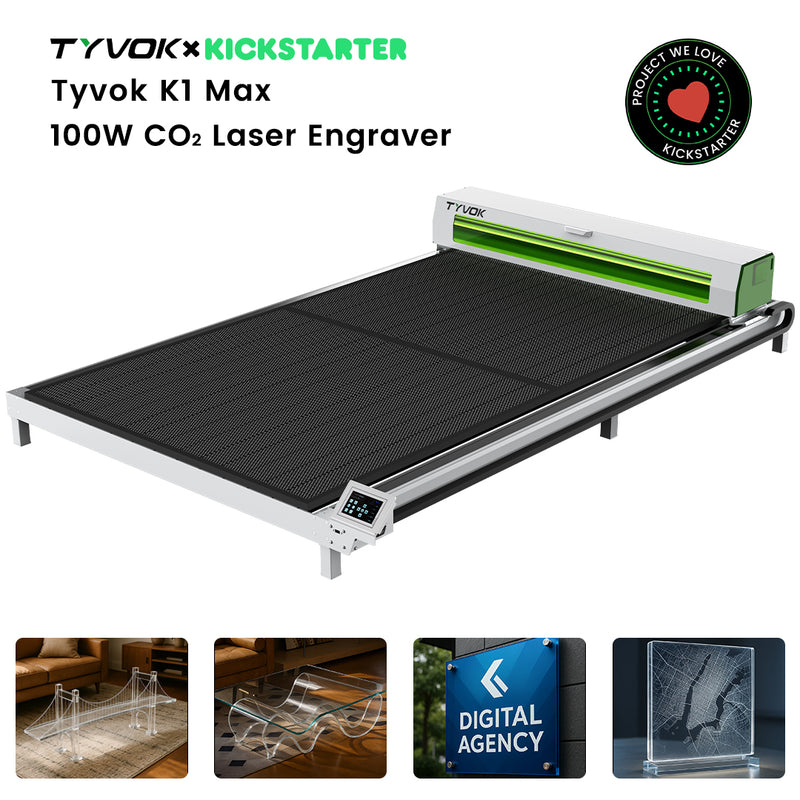
CO2 lasers use a gas mixture (mostly carbon dioxide) excited by an electric current to generate the laser beam. They've been the industry standard for many years, especially for cutting thicker materials. CO2 lasers typically come in higher power ratings—commonly 40W, 60W, 80W, and up.
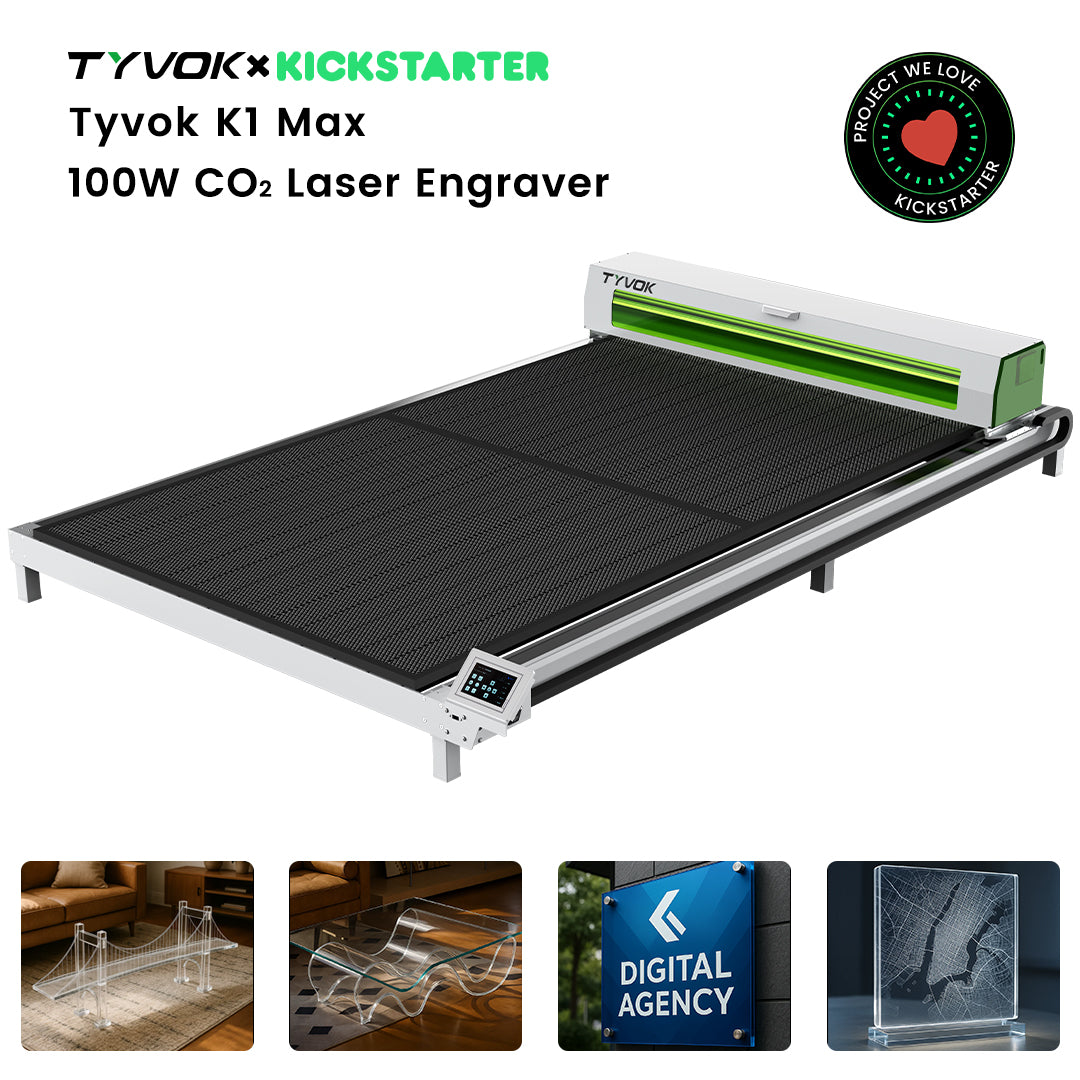
🛒 Check out the Tyvok K1 CO₂ Laser here
In recent years, there have been some smaller desktop CO2 lasers introduced, but they're still generally larger and more expensive than comparable diode machines.
🛒 Check out the Tyvok A1 Mini here
Key Characteristics of CO2 Lasers:
- Generally higher power output (40W+)
- Larger physical size and heavier
- Higher power consumption
- Require warm-up time
- Typically more expensive
- Good at cutting thicker materials
- Different absorption characteristics compared to diode lasers
🛒 Check out the TyvokStudio Laser Software here
Key Differences Between Diode and CO2 Lasers
Let's compare diode and CO2 lasers across the most important factors for beginners.
🛒 Check out the Tyvok A1 Mini here
Price
This is where diode lasers have a huge advantage, especially for beginners on a budget.
🛒 Check out the Tyvok A1 Mini here
- Diode lasers: You can get a fully functional diode laser engraver for as little as $150-$300. Even high-quality 10W machines like the Tyvok A1 Mini fit into this price range. Galvo diode lasers like the Tyvok P2 10W Galvo are still much more affordable than entry-level CO2 machines.
🛒 Check out the Tyvok A1 Mini here
- CO2 lasers: Even a small 40W desktop CO2 laser will typically cost you $1,000-$2,000, and that's before you add any extras like an air assist pump or enclosure. Larger CO2 machines can cost several thousand dollars.
🛒 Check out the Tyvok A1 Mini here
For beginners just getting started, the price difference is staggering. You can get started with a capable diode machine for 1/5 to 1/10 the cost of a CO2 machine. That's a huge barrier to entry for CO2, especially if you're just experimenting or starting a side hustle on a budget.
🛒 Check out the Tyvok A1 Mini here
Size and Portability
Diode lasers are generally much more compact and lightweight than CO2 lasers. A typical entry-level diode machine like the Tyvok A1 Mini fits easily on a desk and can be moved around when needed. Some diode machines are even portable enough to take to events and craft fairs.
🛒 Check out the Tyvok A1 Mini here
CO2 lasers, even desktop models, are much larger and heavier. A 40W desktop CO2 can weigh 50-100 pounds or more, and it needs a pretty big dedicated space. If you live in a small apartment or don't have a dedicated workshop, finding space for a CO2 can be a real challenge.
🛒 Check out the Tyvok A1 Mini here
Warm-Up Time and Convenience
Diode lasers have instant on/off—you turn them on and they're ready to go. There's no warm-up time needed. This makes them much more convenient for everyday use. You can pull it out, do a quick project, and put it away if needed.
🛒 Check out the Tyvok Spider X1S Pro here
CO2 lasers typically require 5-10 minutes of warm-up time before they reach full power. You can't just turn it on and start engraving. That might not be a big deal if you use it every day in a dedicated workshop, but it's less convenient for occasional use.
🛒 Check out the Tyvok K1 CO₂ Laser here
Power and Capability
This is where things get interesting. CO2 lasers are typically higher power (40W+), but does higher power mean they can do everything a diode can do and more? Not exactly.
🛒 Check out the Tyvok K1 CO₂ Laser here
The wavelength of the laser is different between diode and CO2 lasers, and that affects how different materials absorb the laser energy:
🛒 Check out the Tyvok K1 CO₂ Laser here
- Diode lasers (typical wavelength ~450nm, blue visible light): Better absorbed by darker, more opaque materials. Works very well on wood, leather, anodized aluminum, stone, glass, acrylic, and most other materials that beginners commonly work with.
🛒 Check out the Tyvok A1 Mini here
- CO2 lasers (typical wavelength ~10,600nm, infrared): Better absorbed by organic materials and many plastics. They do an excellent job cutting clear acrylic, which diode lasers have a harder time with.
🛒 Check out the Tyvok K1 CO₂ Laser here
For engraving, diode lasers can handle pretty much all the materials that a beginner would want to engrave. Wood, glass, leather, stone, anodized aluminum, acrylic—diode lasers do all of these very well. The Tyvok A1 Mini can handle all these materials with excellent results, even at its affordable price point.
🛒 Check out the Tyvok A1 Mini here
The real advantage of CO2 lasers is cutting thicker materials. A 40W CO2 can cut 1/4 inch to 1/2 inch wood easily in a single pass, and can even cut thicker acrylic than most diodes. But for thin to medium materials that most beginners work with, a 10W diode like the Tyvok A1 Mini 10W can cut up to 1/4 inch wood in a single pass, which is enough for most projects.
🛒 Check out the Tyvok A1 Mini here
Engraving Quality and Detail
Modern diode lasers actually have a reputation for excellent engraving quality, especially when it comes to fine detail. The focused spot size on a good diode laser is very small, allowing for incredibly detailed photos and text engraving.
🛒 Check out the TyvokStudio Laser Software here
Galvo diode lasers like the Tyvok P2 10W Galvo take this even further, with extremely fast and precise engraving that rivals much more expensive machines.
🛒 Check out the Tyvok A1 Mini here
CO2 lasers can also do excellent engraving, but the spot size is often larger than on a modern diode laser, so very fine detail isn't quite as sharp. That said, for most projects, the difference isn't noticeable unless you're doing extremely small details.
🛒 Check out the Tyvok Spider X1S Pro here
Speed
When comparing similar power levels for engraving, the difference isn't huge. However, galvo diode lasers like the Tyvok P2 are much faster than traditional gantry CO2 lasers for engraving because of the galvo mirror system. For high-volume engraving work, this is a game-changer.
🛒 Check out the Tyvok A1 Mini here
For cutting thicker materials, a high-power CO2 will be faster than a lower-power diode because it can cut through in fewer passes. But for the materials that most beginners cut, a 10W diode is plenty fast enough.
🛒 Check out the Tyvok K1 CO₂ Laser here
Maintenance
Diode lasers require very little maintenance. Basically, you just need to keep the lens clean, which is simple and takes just a minute. The diode has a long lifespan—typically thousands of hours—so most beginners will get many years of use out of one before needing to replace anything.
🛒 Check out the Tyvok A1 Mini here
CO2 lasers require more maintenance. The CO2 tube has a lifespan of around 1,000-5,000 hours, and eventually needs to be replaced, which is an extra cost. You also need to align the mirrors periodically, check the gas pressure (on some models), and maintain the cooling system (many CO2 lasers require water cooling).
🛒 Check out the Tyvok K1 CO₂ Laser here
For beginners who just want something that works without a lot of maintenance, diode lasers are much simpler.
🛒 Check out the Tyvok A1 Mini here
What Can Diode Lasers Engrave?
Diode lasers handle these materials with ease:
🛒 Check out the TyvokStudio Laser Software here - ✅ All types of wood (softwood, hardwood, plywood, MDF, bamboo) - ✅ Leather (real and faux) - ✅ Acrylic (engraving works great; cutting clear acrylic is slower than CO2 but still possible)
🛒 Check out the Tyvok K1 CO₂ Laser here - ✅ Glass (engraving produces a nice frosted effect) - ✅ Anodized aluminum (perfect for tumblers and phone cases) - ✅ Stainless steel (can mark with the right settings or marking compound) - ✅ Stone, slate, granite, ceramic - ✅ Cardstock, paper, cardboard - ✅ Rubber (for stamps) - ✅ Cork - ✅ Fabric and textiles
This covers 99% of the projects that beginners and small business owners want to do. Whether you're making personalized gifts, home decor, jewelry, or starting an Etsy shop, a diode laser can handle it.
🛒 Check out the Tyvok A1 Mini here
What Can CO2 Lasers Do That Diode Can't (Or Can't Do As Well)?
There are a few areas where CO2 lasers still have an advantage:
🛒 Check out the Tyvok K1 CO₂ Laser here
- Cutting thick clear acrylic: CO2 lasers are much better at cutting thick clear acrylic because the CO2 wavelength is absorbed much better by clear acrylic than the blue wavelength of a diode. If you plan to cut a lot of thick clear acrylic, CO2 has an advantage.
🛒 Check out the Tyvok K1 CO₂ Laser here
- Cutting very thick wood: A 40W+ CO2 can cut thicker wood in fewer passes than a 10W diode. If you need to cut 1/2 inch or thicker wood regularly, CO2 is more efficient.
🛒 Check out the Tyvok K1 CO₂ Laser here
- Some plastics: Certain plastics absorb CO2 wavelengths better than diode wavelengths. But again, for most common plastics that beginners work with, diode works fine.
🛒 Check out the TyvokStudio Laser Software here
That's really about it. For most other applications, modern diode lasers match or exceed what CO2 can do—especially when you consider the price difference.
🛒 Check out the Tyvok K1 CO₂ Laser here
Common Use Cases: Which Is Best For You?
Let's look at different scenarios and see which technology makes the most sense.
You're a Beginner Just Getting Started on a Budget
If you're new to laser engraving and don't want to invest a lot of money upfront, go with a diode laser. There's simply no comparison when it comes to price. You can get a great 10W diode like the Tyvok A1 Mini for less than $300, which is a fraction of what you'd pay for even the cheapest CO2.
🛒 Check out the Tyvok A1 Mini here
Most beginners find that a diode laser does everything they need. You can always upgrade to a larger CO2 later if you find you really need the extra cutting capability, but most people never do.
🛒 Check out the Tyvok A1 Mini here
You're Starting a Side Hustle Selling Engraved Products
For most small side hustles selling personalized products like tumblers, wood signs, jewelry, and personalized gifts, a diode laser is perfect. The Tyvok A1 Mini can handle all of these products with excellent quality, and if you need higher speed for volume, the Tyvok P2 10W Galvo offers incredible production speed at an affordable price.
🛒 Check out the Tyvok A1 Mini here
Unless you're planning to cut a lot of thick acrylic or wood, you don't need a CO2. Many successful Etsy sellers run their entire business with a diode laser.
🛒 Check out the Tyvok K1 CO₂ Laser here
You Need to Cut Thick Materials Regularly
If you know you need to cut 1/2 inch or thicker wood or thick clear acrylic regularly, then a CO2 might make sense. But even here, a 10W diode can cut up to 1/4 inch in a single pass and thicker with multiple passes. If you only occasionally cut thicker materials, the diode is still probably fine.
🛒 Check out the TyvokStudio Laser Software here
You Have a Dedicated Workshop and Space
If you have a dedicated workshop with plenty of space and you can afford the investment, a CO2 is certainly capable. But even then, many people still keep a smaller diode machine for quick jobs and portable use.
🛒 Check out the TyvokStudio Laser Software here
You Want to Do Engraving at Events and Craft Fairs
If you want to do on-demand engraving at events, a diode laser is the only practical choice. They're compact, lightweight, and don't require special power. The Tyvok P2 with its galvo speed is perfect for this—you can engrave items right in front of customers quickly. A CO2 is just too big and heavy to haul around to events.
🛒 Check out the Tyvok A1 Mini here
What About Galvo Diode Lasers?
We've mentioned galvo lasers like the Tyvok P2 10W Galvo a few times, and you might be wondering how they fit into this comparison. Galvo is a type of system, not a different laser technology—galvo lasers still use diode laser diodes.
🛒 Check out the Tyvok A1 Mini here
A galvo system uses moving mirrors to direct the laser beam instead of moving the entire laser head like a traditional gantry system. This makes galvo lasers much faster for engraving, but they typically have a smaller work area.
🛒 Check out the Tyvok P2 10W Galvo here
For beginners who are focusing on engraving (especially high-volume engraving), a galvo diode like the Tyvok P2 10W Galvo offers incredible speed at a price that's still much lower than a CO2 laser. It's a great middle ground between entry-level gantry diodes and more expensive industrial machines.
🛒 Check out the Tyvok A1 Mini here
How Do the Prices Compare in 2026?
To give you an idea of the current price landscape:
- Entry-level 5W-10W diode (gantry): $150-$300. Example: Tyvok A1 Mini
🛒 Check out the Tyvok A1 Mini here
- 10W galvo diode: $500-$800. Example: Tyvok P2 10W Galvo
🛒 Check out the Tyvok A1 Mini here
- Entry-level 40W desktop CO2: $1,000-$2,000
🛒 Check out the Tyvok A1 Mini here
- Mid-size CO2 (60W-80W): $2,000-$5,000+
That price difference is enormous. For a beginner, getting started with a diode machine means you can start making money much sooner without having to pay off a huge investment.
👉 Learn more about How to Start a Laser Engraving Business with Under $200 here
Frequently Asked Questions
Q: Can a diode laser cut wood as well as a CO2?
A: For thin to medium wood (up to 1/4 inch), a 10W diode like the Tyvok A1 Mini can cut it just fine in a single pass. For thicker wood, a CO2 will do it faster, but the diode can still do it with multiple passes. Most beginners don't need to cut thicker wood very often, so the diode is more than adequate.
🛒 Check out the Tyvok A1 Mini here
Q: Can a diode laser engrave glass?
A: Yes, absolutely. Diode lasers produce a beautiful frosted engraving on glass. Many people make a lot of money engraving glass tumblers, bottles, and other items with diode lasers. The Tyvok A1 Mini does an excellent job with glass engraving.
🛒 Check out the Tyvok A1 Mini here
Q: Can a diode laser engrave metal?
A: Yes, diode lasers can engrave anodized aluminum very easily (this is why they're so popular for tumblers). They can also mark stainless steel, especially with the use of a marking compound. If you need to do a lot of metal engraving, a 10W diode like the Tyvok A1 Mini 10W will do a better job than a lower-powered 5W.
🛒 Check out the Tyvok A1 Mini here
Q: Are diode lasers less safe than CO2?
A: No, the safety requirements are the same. You always need to use proper laser safety glasses and ensure adequate ventilation, regardless of whether it's a diode or CO2. The danger from the laser beam is similar—you need to protect your eyes either way.
🛒 Check out the Tyvok Spider X1S Pro here
Q: Can I start with a diode and upgrade to CO2 later?
A: Absolutely! That's actually what we recommend for most beginners. Get started with an affordable diode like the Tyvok A1 Mini, learn the ropes, start making some money, and then if you find you really need the thicker cutting capability of a CO2, you can upgrade later. By that point, your business might even be able to pay for the upgrade with the profits you've already made.
🛒 Check out the Tyvok A1 Mini here
Final Recommendations
So which should you choose as a beginner in 2026? Here's our bottom line:
90% of Beginners Should Choose a Diode Laser
In 2026, diode technology has advanced to the point where it can do everything most beginners need, at a fraction of the cost of a CO2. Unless you specifically need to cut a lot of thick clear acrylic or very thick wood, a diode is the way to go.
🛒 Check out the TyvokStudio Laser Software here
For under $300, the Tyvok A1 Mini 10W gives you 10W of diode power in a compact, easy-to-use package that's perfect for beginners. It does everything from engraving tumblers to cutting 1/4 inch plywood, and it's an incredible value.
🛒 Check out the Tyvok A1 Mini here
If you need more speed for high-volume engraving, the Tyvok P2 10W Galvo brings galvo speed to an affordable price point, making it perfect for small businesses and side hustles.
🛒 Check out the Tyvok A1 Mini here
Only Choose CO2 If You Specifically Need It
You should only consider a CO2 laser as your first machine if:
🛒 Check out the Tyvok K1 CO₂ Laser here 1. You know you need to cut thick (1/2 inch+) wood regularly 2. You know you need to cut a lot of thick clear acrylic 3. You have the budget (at least $1,000+) for the machine 4. You have the space for a larger machine
If all of those are true, then a CO2 might be the right choice. But for most beginners, especially those on a budget, diode is the clear winner.
🛒 Check out the TyvokStudio Laser Software here
Conclusion
The diode vs CO2 debate has shifted dramatically in the last few years thanks to improvements in diode technology. What once was a clear win for CO2 is now much more nuanced. For beginners, diode lasers offer an unbeatable combination of affordability, compact size, low maintenance, and capability.
🛒 Check out the Tyvok A1 Mini here
Unless you have very specific needs that only a CO2 can meet, starting with a quality diode laser like the Tyvok A1 Mini is the smartest move. You'll get into the game for much less money, learn the ropes, start creating amazing projects, and you can always upgrade later if you need to. For most people, that upgrade never becomes necessary because the diode does everything they need.
🛒 Check out the Tyvok A1 Mini here
If you're ready to get started, check out the Tyvok A1 Mini—it's the perfect first laser engraver for beginners, available in both 5W and 10W power levels to match your budget. If you need blazing fast engraving speed for production work, the Tyvok P2 10W Galvo is an affordable entry into galvo technology that won't break the bank.
🛒 Check out the Tyvok A1 Mini here
Still have questions about choosing between diode and CO2? Start with an affordable diode like the Tyvok A1 Mini and you'll be creating amazing projects in no time. You can always expand later if you need to—there's no better way to learn than by doing.