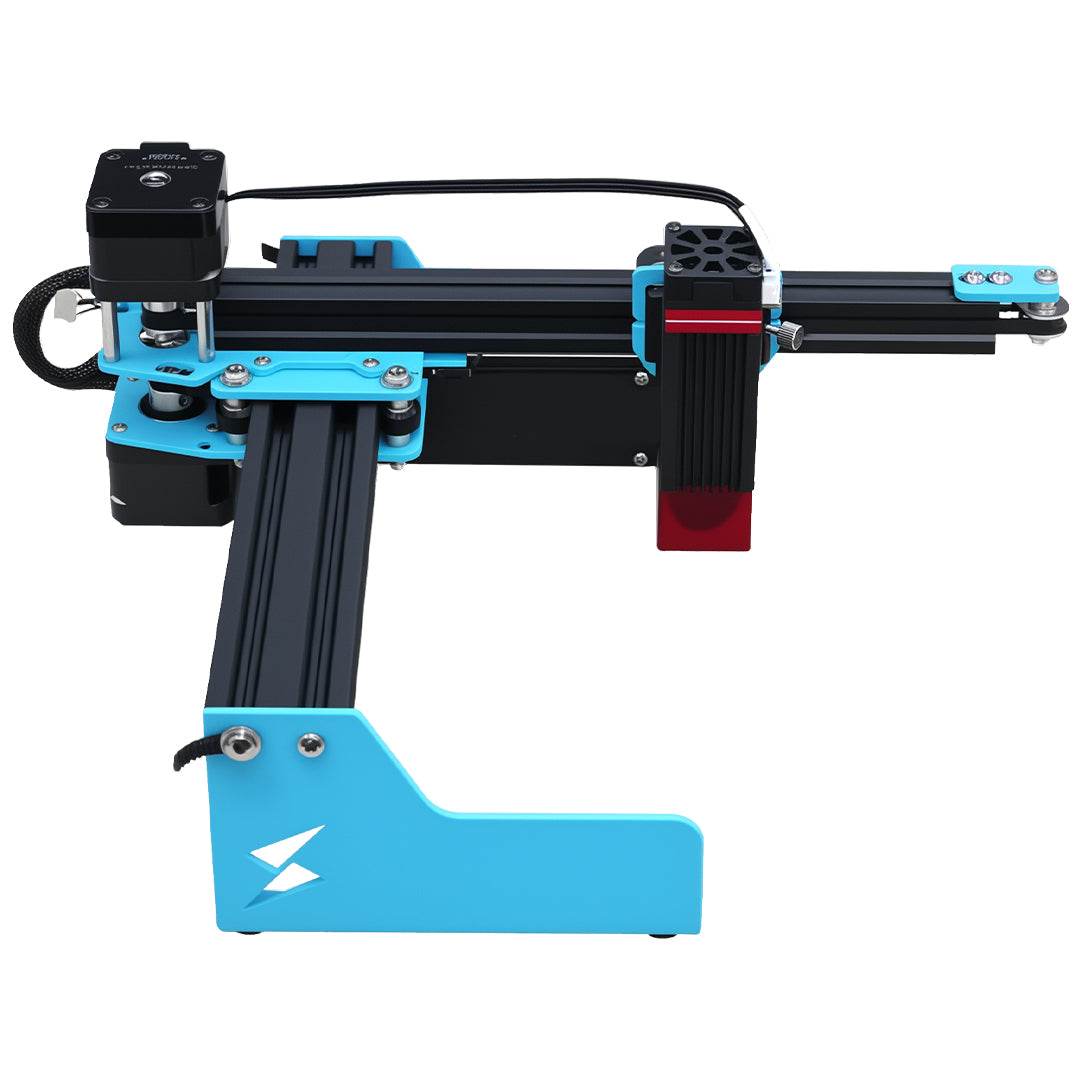


USER SAFETY / ALL TYVOK LASER PRODUCTS
Read before every use.
Understand your machine. Check your material. Protect the people around you.
Before installing or operating a TYVOK laser, read this guide, your model’s user manual and every supplied warning label. Requirements vary by laser source, module and configuration.
Updated October 21, 2026
Laser radiation can cause permanent eye injury and skin burns. Processing can start a fire and release hazardous fumes. Never look into the beam, bypass protective devices or leave an operating laser unattended.
Need to stop an unsafe situation? Read the emergency steps.Before you start a job
Know the setup
Correct machine, module, manual, device profile and approved material.
Protect people
Required enclosure, interlocks and wavelength/OD-matched eyewear checked.
Clear the work area
Stable non-combustible support, secured workpiece and clear travel paths.
Extract fumes
Suitable extraction running, ducts and filters checked.
Check the job
Focus, speed units, power, passes, preview and position verified.
Stay ready to stop
Trained operator present; shutdown controls, exit and fire equipment accessible.
Laser radiation & eye protection
Direct laser beams and hazardous reflected or scattered radiation can permanently injure eyes and burn skin. A beam does not have to look bright, or be visible, to be hazardous.
- Never look into the beam or laser emission aperture, and never aim a laser at a person or animal. Keep your body, hands and tools out of the beam path.
- Use laser protective eyewear specified for your exact laser wavelength(s) and the required optical density (OD). Check the markings and inspect the eyewear before use. Ordinary glasses, sunglasses and general-purpose safety glasses are not substitutes.
- Keep protective covers, barriers, shields, viewing windows and interlocks in place and working as designed. Never bypass an interlock or operate with damaged, missing or malfunctioning safety components.
- Eyewear is an additional layer of protection. It does not replace the required enclosure, beam containment or access controls, and does not make direct beam viewing safe.
- Avoid reflective objects in or near the beam path. Process reflective workpieces only where your specific model and setup are approved for that application.
- Check the classification, wavelength, protective requirements and operating limits on the labels and in the manual for the actual machine, module and configuration you are using.
Check the setup you actually have
- Open-frame or open-beam setups
- Control access and contain the beam as required for the labeled laser class and installation. A small module shield or a fabric dust cover is not proof of a laser-rated enclosure.
- Enclosed machines
- Keep the specified enclosure closed and interlocks functional. Opening, removing or modifying a protective enclosure can expose hazards not accessible during normal operation.
- Blue-diode, infrared or CO₂ sources
- Protective requirements depend on the actual wavelength and configuration. Eyewear or a viewing window suitable for a blue diode may not protect against infrared or CO₂ radiation.
- Changed modules or accessories
- Do not assume the original protection still applies. Confirm compatibility and the revised safety requirements before enabling output.
No universal laser class, eyewear OD or enclosure rating is assigned on this page. Verify the requirements on the specific product and module labels; contact Support if they are missing or unclear.
Set up & operate safely
- Read the model-specific manual and warning labels before installation or use. Understand the controls, normal shutdown and emergency shutdown procedure.
- Use the machine only for its intended applications and approved materials, within its specified limits. Keep warning labels visible and legible.
- Install on a stable, level, non-combustible surface with a suitable protective work bed. Leave access to the shutdown controls, exits and ventilation.
- Secure the workpiece. Keep clamps, cables and accessories outside the full motion path, including framing and scanning travel beyond the artwork.
- Verify the correct device profile, installed module, work area, origin, speed units, power and pass count before each job. Start with a small test on a known, approved material; a test burn does not establish that an unknown material is safe.
- Preview the job and check its position using the procedure approved for your model. Focusing, framing or alignment can emit laser radiation when enabled; do not assume these functions are harmless.
- Never leave an operating laser unattended. Stay close enough to observe the process continuously and stop it immediately. A camera, remote view or flame sensor does not replace an operator.
- Keep children, pets, bystanders and untrained people away from the operating area. Equipment must be controlled by a trained, authorized operator; it is not a toy.
- Keep hands, loose clothing, hair, tools and other objects clear of moving parts. Do not operate when tired, impaired or unable to monitor safely.
- Do not use in an explosive atmosphere or near flammable vapors. Stop if the machine moves unexpectedly, a cable snags or a safety feature fails.
Prevent fire — during & after a job
Laser processing generates heat. The workpiece, accumulated residue or nearby materials can ignite, and material may continue to smolder after the beam stops.
- Remove unnecessary paper, scraps, dust and processing residue from the work bed, underside and surrounding area. Keep flammable liquids, solvents, aerosols and explosive materials away.
- Use the non-combustible support and work-bed arrangement specified for the machine. Do not process directly on an unprotected table or floor.
- Keep suitable fire-response equipment accessible and know your site’s fire procedure. Only attempt to extinguish a fire if trained, equipped and able to do so safely with a clear escape route.
- Stop laser output immediately for unexpected or persistent flames, excessive smoke or abnormal heating. Isolate machine power if safe. Do not assume Stop or the emergency stop extinguishes a fire.
- If a fire is spreading, smoke is hazardous or you cannot approach safely, evacuate, keep others away and call local emergency services from a safe location. Do not reach into a burning machine or use water on energized electrical equipment.
- After a job, keep monitoring until the workpiece and surrounding area are cool and free of smoldering material. Investigate any abnormal event before restarting.
- Air assist and fire-detection features do not make materials fireproof and do not replace continuous supervision.
Confirm materials & extract fumes
Smoke, particles and gases can be hazardous even when a material is sold as a craft supply. Check the substrate, coating, adhesive and any protective film before processing.
- Use effective fume extraction suited to the material and process, together with suitable room ventilation. Capture emissions at the machine and discharge safely outdoors where permitted, or use a properly specified filtration system.
- An open window, desk fan or ordinary household purifier is not a substitute for an appropriate extraction system. Particle filters alone do not address every gas or vapor.
- Keep ducts, outlets and filters maintained and unobstructed. Replace filters as specified. Stop laser output if extraction fails or fumes escape into the workspace.
- Allow extraction to clear residual fumes according to the machine and extraction-system instructions before normal access. Absence of odor does not prove the air is safe.
- Identify the material from reliable supplier information and safety data where available. An SDS alone does not establish laser compatibility; verify the material and process against your machine’s approved applications.
- An air-assist pump directs air at the workpiece. It does not extract smoke, make unsafe materials suitable or replace fume control.
Material checks that cannot be skipped
- PVC, vinyl and chlorine-containing materials
- Do not engrave or cut. Do not use a test burn to identify them.
- PTFE / Teflon and other halogenated materials
- Do not process under this general guide. Hazardous decomposition products require specialist assessment and an explicitly suitable process.
- Unknown plastics, foams or coated items
- Do not process until composition and suitability have been confirmed, including adhesives, films and coatings.
- Wood, plywood and MDF
- Not automatically safe: composition, adhesives, coatings, smoke and ignition risk still require checking and appropriate extraction.
- Metals, painted or plated surfaces
- Confirm compatibility, reflection hazards and emissions for the specific source and surface. Do not assume a coating or plating is harmless.
Electrical, moving-part & accessory safety
- Use only power supplies, adapters, cables and accessories specified or approved for your model. Connect to a supply that meets the manual’s voltage, grounding and installation requirements.
- Keep electrical components away from water, excessive moisture and conductive debris. Never touch exposed electrical parts while powered.
- Do not use damaged cables, exposed wiring, loose connections or equipment showing signs of electrical malfunction. Stop use and arrange qualified service.
- Switch off and disconnect the machine before routine cleaning, maintenance, module changes or accessory installation, following the model-specific procedure. Let hot components cool.
- Do not open, repair or modify internal laser sources, power supplies or safety-critical electronics unless qualified and authorized. Some components, especially high-voltage systems, can remain hazardous after disconnection.
- For models requiring coolant, airflow or other support systems, verify the required systems are operating before enabling output. Never override a thermal or protective shutdown.
- After changing a laser module or accessory, recheck the wavelength, eye protection, containment, focus, software configuration and material settings before use.
If something goes wrong
Unexpected emission, flames, excessive smoke, electrical faults, abnormal motion or unusual noise: stop immediately.
- Stop the hazard. Stop laser output. Use the machine’s emergency stop if fitted and safe to reach, then isolate power using the model’s procedure if safe. A software Pause/Stop or lost USB connection is not a reliable substitute for emergency shutdown.
- Protect people. Keep others away. If there is spreading fire, hazardous smoke or an electrical danger you cannot safely control, evacuate and call local emergency services. Do not risk injury to save the machine.
- Get medical help for suspected exposure. Seek prompt medical evaluation for suspected hazardous laser exposure to the eyes, even if there is no pain or immediate vision change. Seek urgent help for burns, breathing difficulty or other injury.
- Keep the machine out of use. Do not touch damaged wiring or restart while a hazard remains. Allow safe cooling and clearance of fumes before inspection.
- Find the cause before restarting. If the cause is unknown, or a protective component may be damaged, contact TYVOK Support and arrange qualified inspection or repair.
Clean, inspect & maintain
- Follow the maintenance intervals and methods in the manual for your exact model. Switch off, disconnect and allow cooling before routine work.
- Remove dust, scraps and residue regularly using the approved method. Clean optics only as instructed; unsuitable tools, solvents or contamination can damage them.
- Inspect eyewear, protective windows, covers, barriers, interlocks, cables, connectors, work supports and extraction components. Check required cooling and air systems.
- Do not operate with a missing, damaged or ineffective safety feature. Use approved replacement parts where required and have laser-source, electrical or safety-critical repairs performed by qualified personnel.
- Do not operate until cleaning solvents have been removed and the equipment is ready for use under the manual’s instructions. Keep filters and waste stored and disposed of as required for the processed materials.
Training, labels & model-specific instructions
- Anyone permitted to operate the equipment must understand the machine, materials, protective measures, emergency procedure and local requirements. Workplaces and schools should obtain an appropriate laser-safety assessment and designate trained supervision.
- Follow applicable laws, workplace requirements and the instructions supplied with your machine. Do not remove safety labels or make modifications that compromise the protective design.
- This general guide must be used with the model-specific manual, product labels and instructions for the installed accessories. Additional or more stringent requirements in those instructions must also be followed.
- If instructions appear to conflict, the laser classification or protection is unclear, or your material or setup has not been confirmed suitable, stop using the product and contact TYVOK Support before proceeding.
Further safety information
- OSHA: Laser hazards and protective measures
- MIT EHS: Laser cutter safety
- FDA: Laser products and instruments
These resources provide general background. Linking them does not state that a particular TYVOK product or configuration is certified, classified or approved by those organizations. This guide does not replace product-specific instructions or a workplace hazard assessment.